01 / Space combat
Take the controls
Fly with one thumb and aim with the other. Lock on, fire your missiles, and hold the special to charge a heavier strike.

Fly your ship, transform it into a mech, and fight your way across a galaxy of rival factions — one charted system at a time.
Homelancer Digital is a space adventure you play right in your browser, on a phone or a computer. Take missions, earn credits, fit new weapons on your wings, and decide who you fight for.
Fly with one thumb and aim with the other. Lock on, fire your missiles, and hold the special to charge a heavier strike.
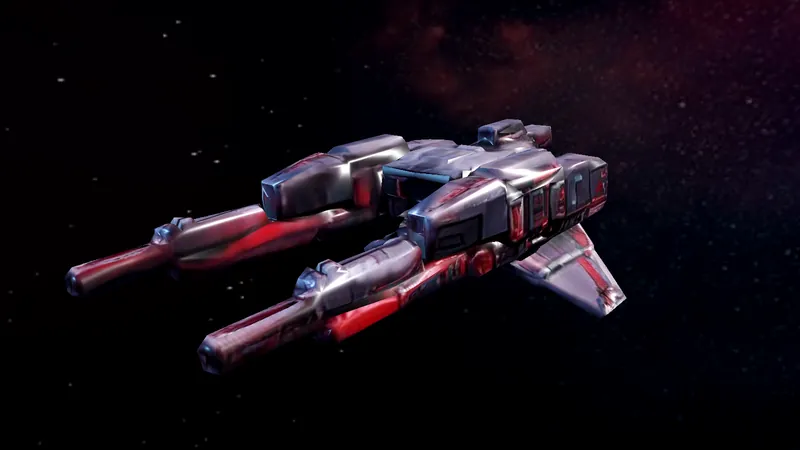
Every faction has its own ships, pilots and mechs — and its own opinion of you.

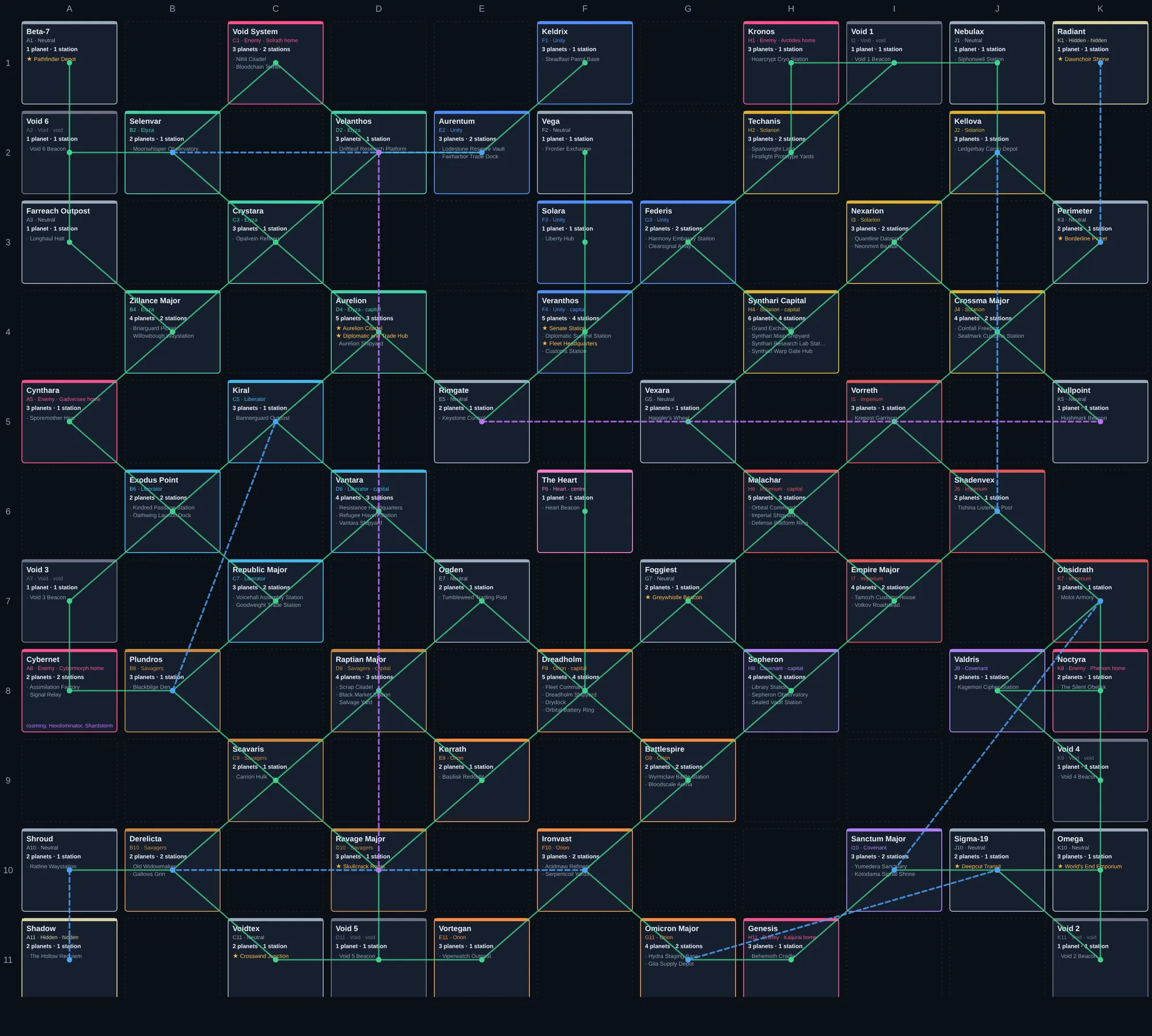
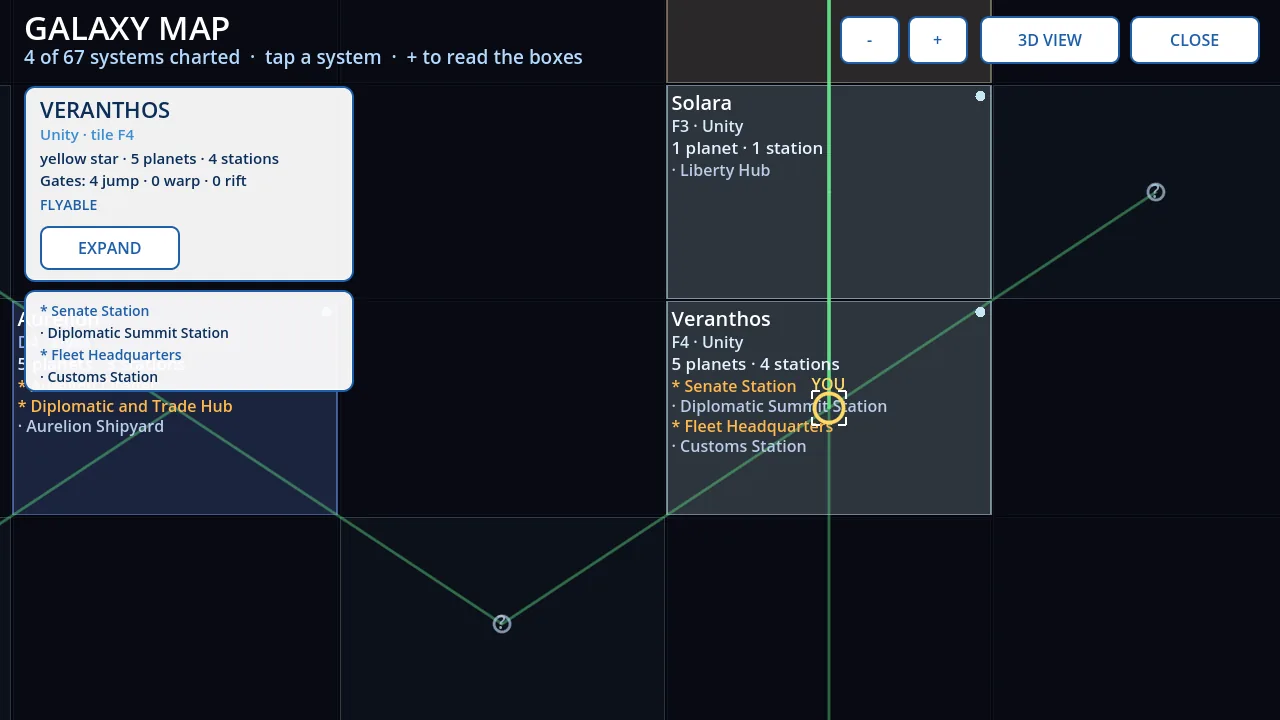
Jump gates, warp lanes and rifts link the systems. Most of the map starts dark.
The galaxy is a fog-of-war grid. Systems, their planets and their stations appear on your chart only once you have been there.
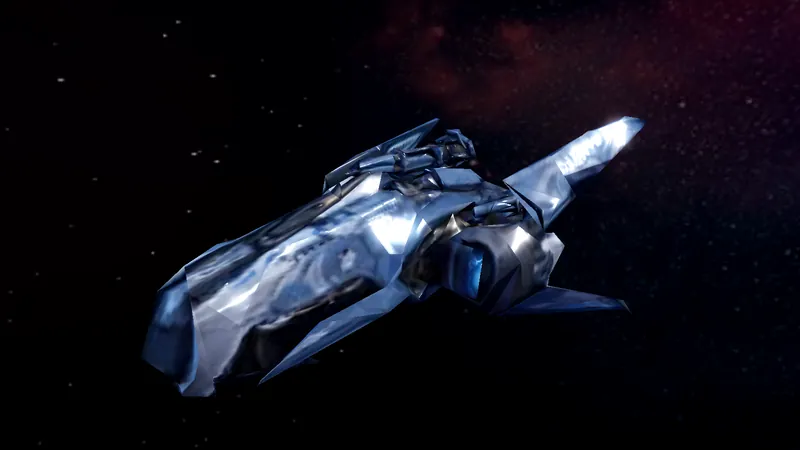
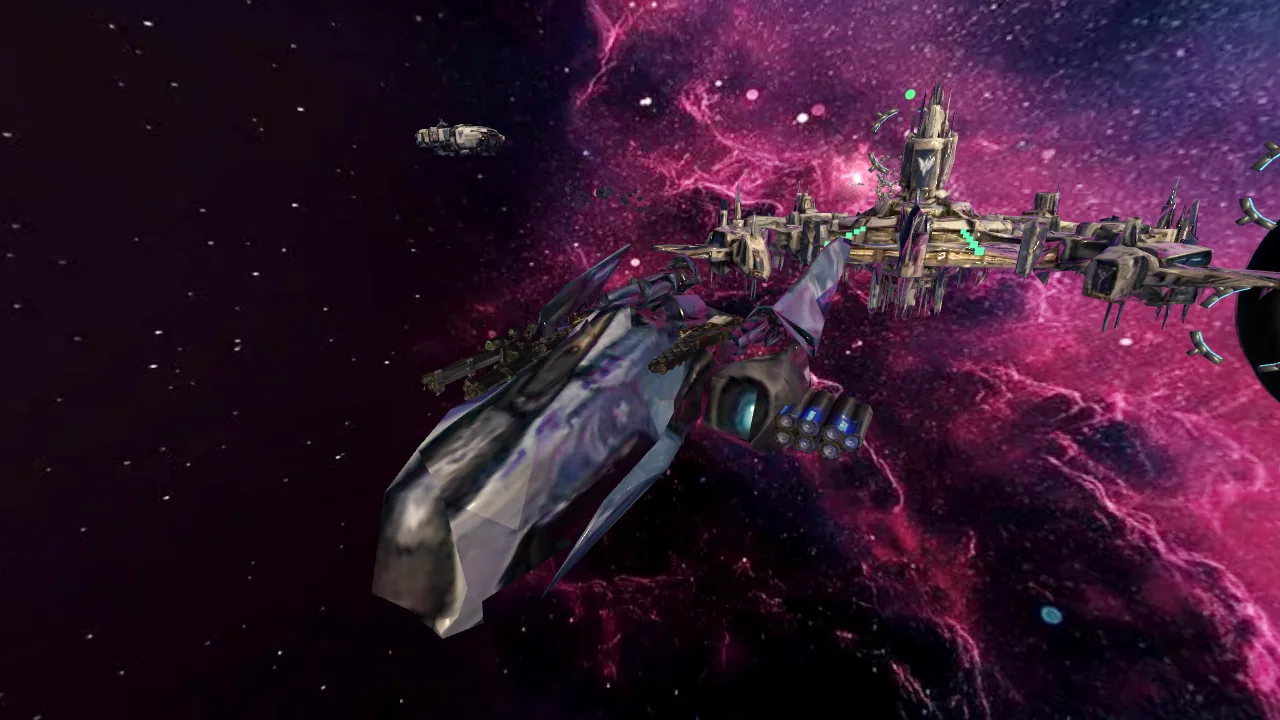
From light fighters to heavy freighters — and every faction's own fleet. Each wing carries two mounts — a shoulder on top, near the core, and a tip underneath — for guns, rail weapons and missile pods.
Swipe to explore the fleet →
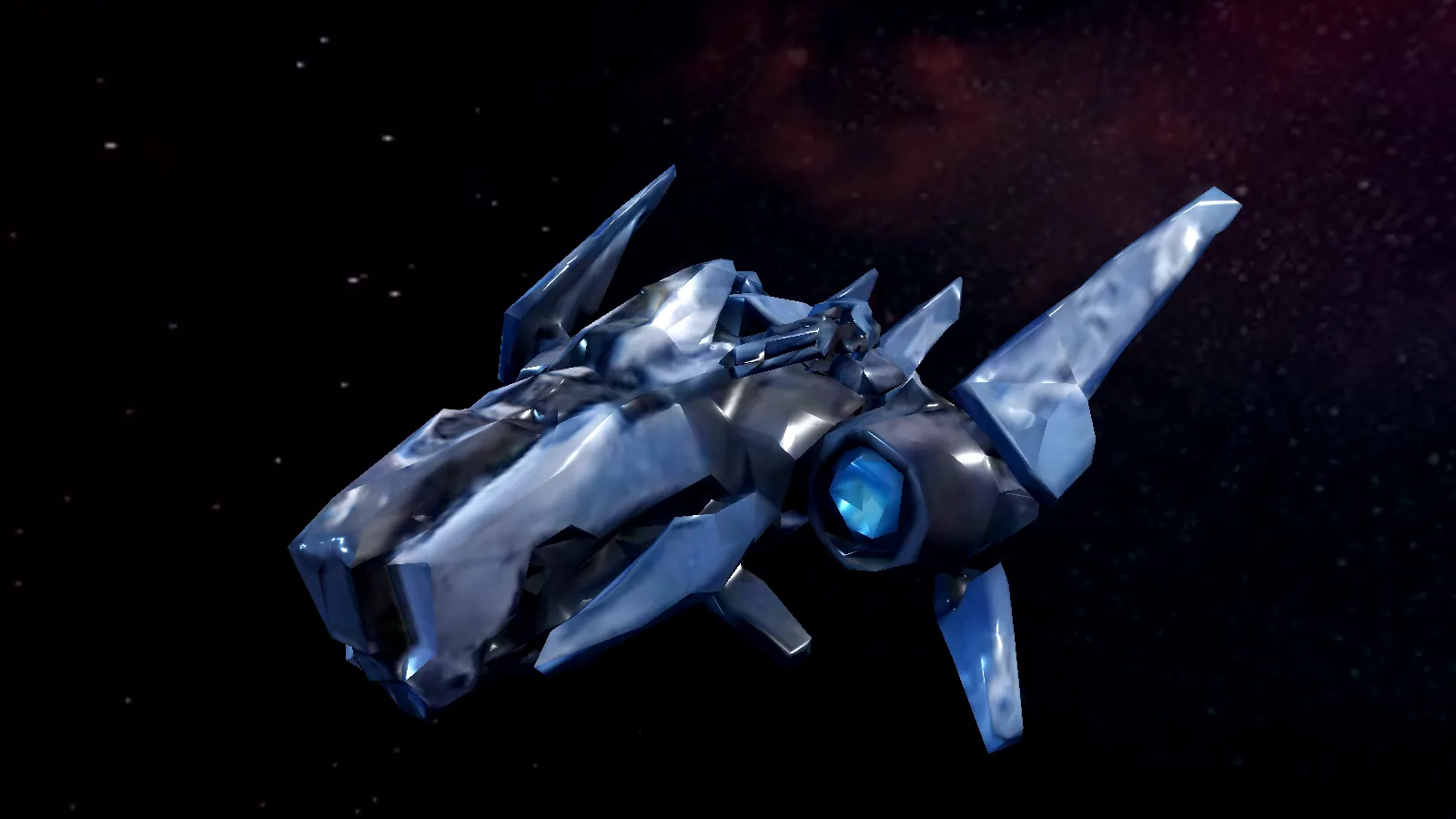
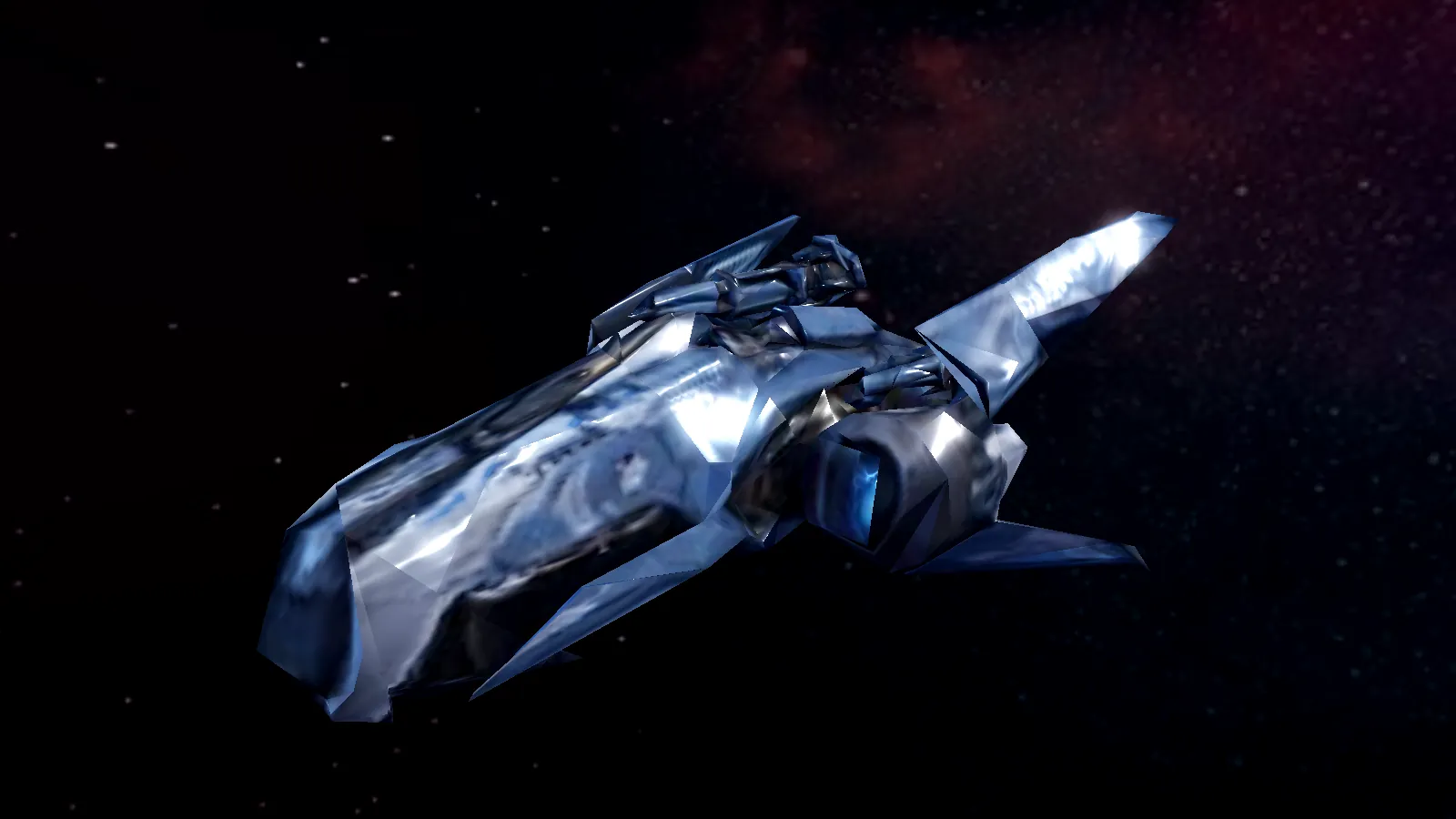
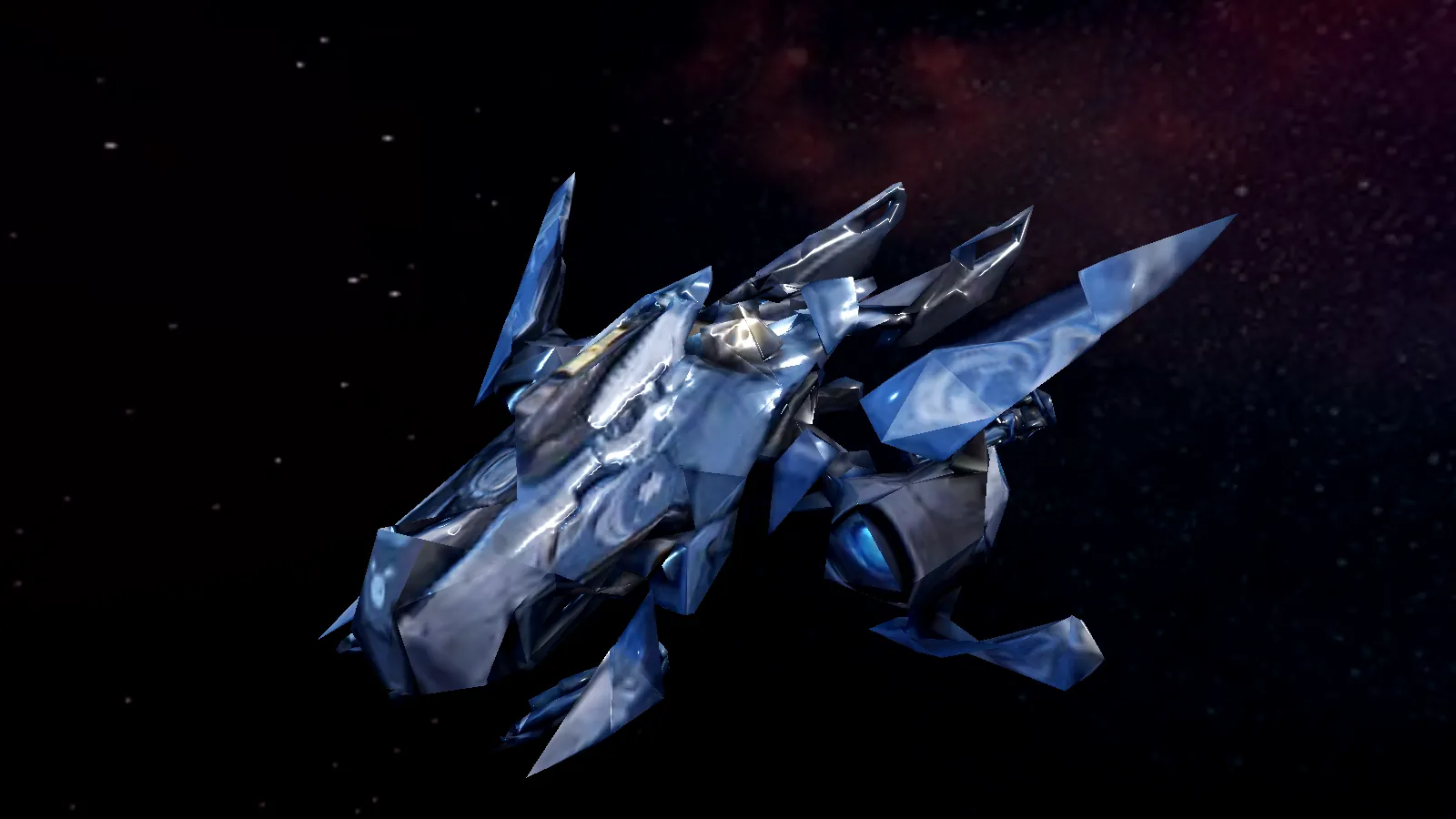
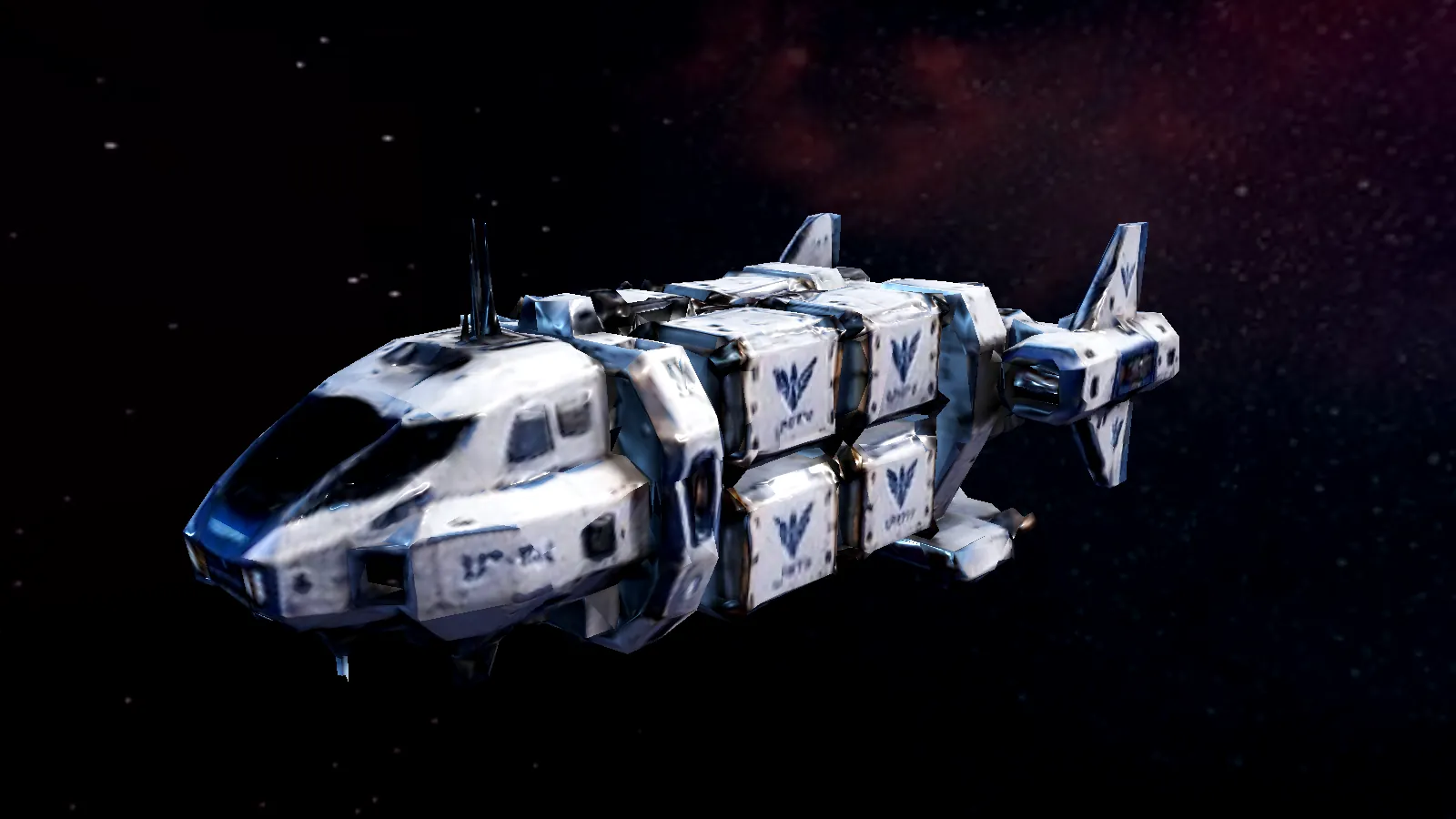
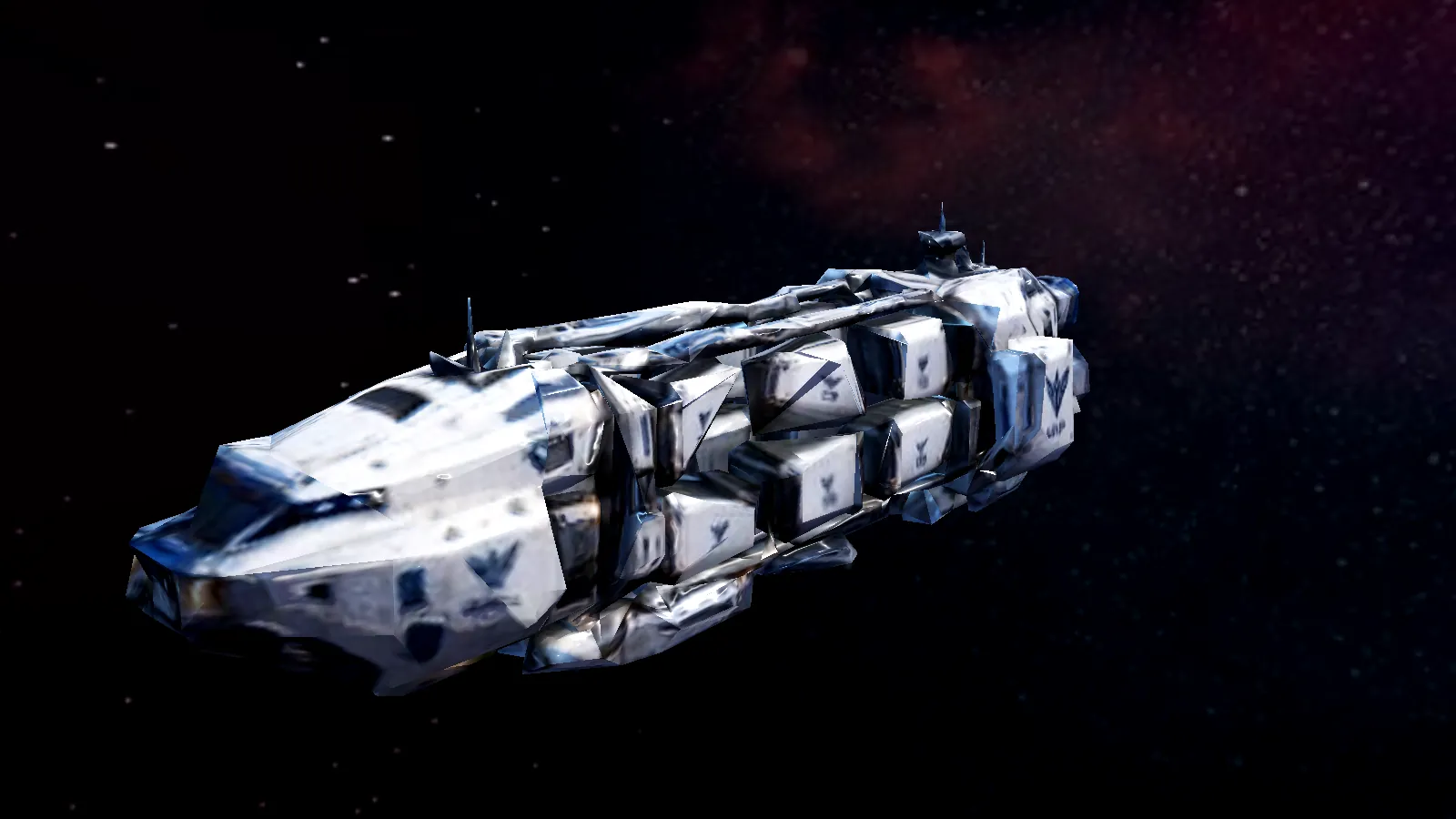
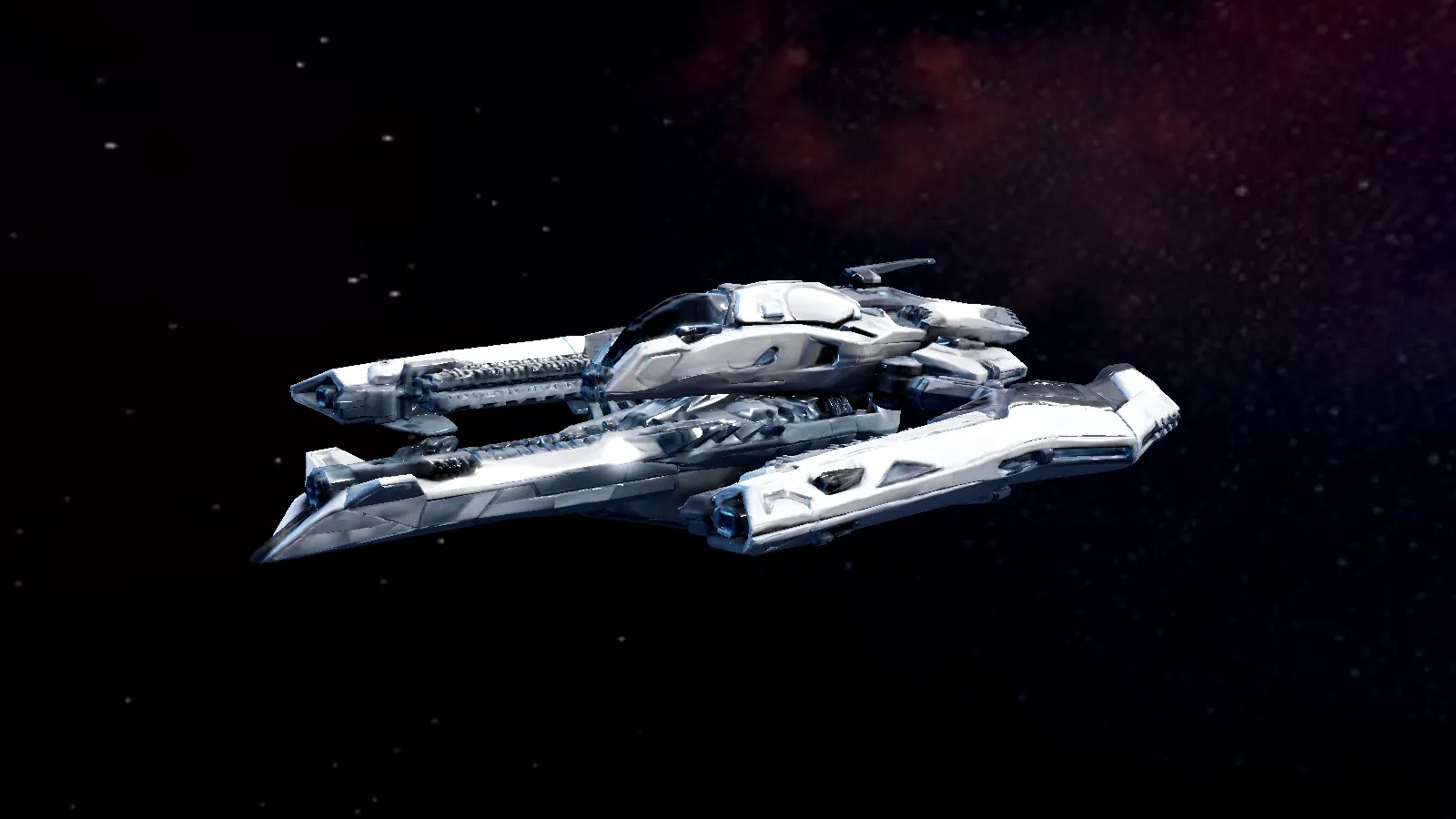
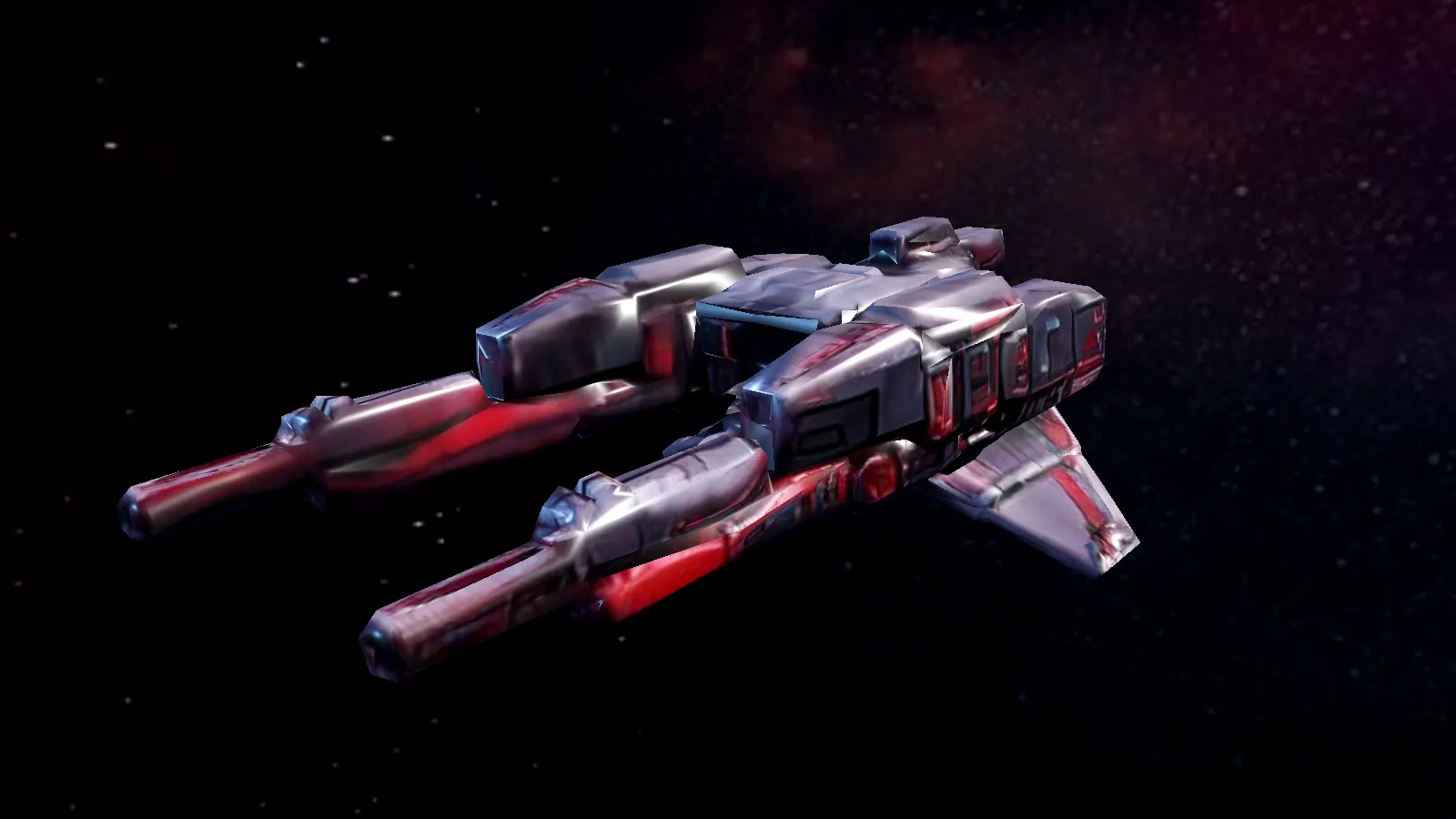
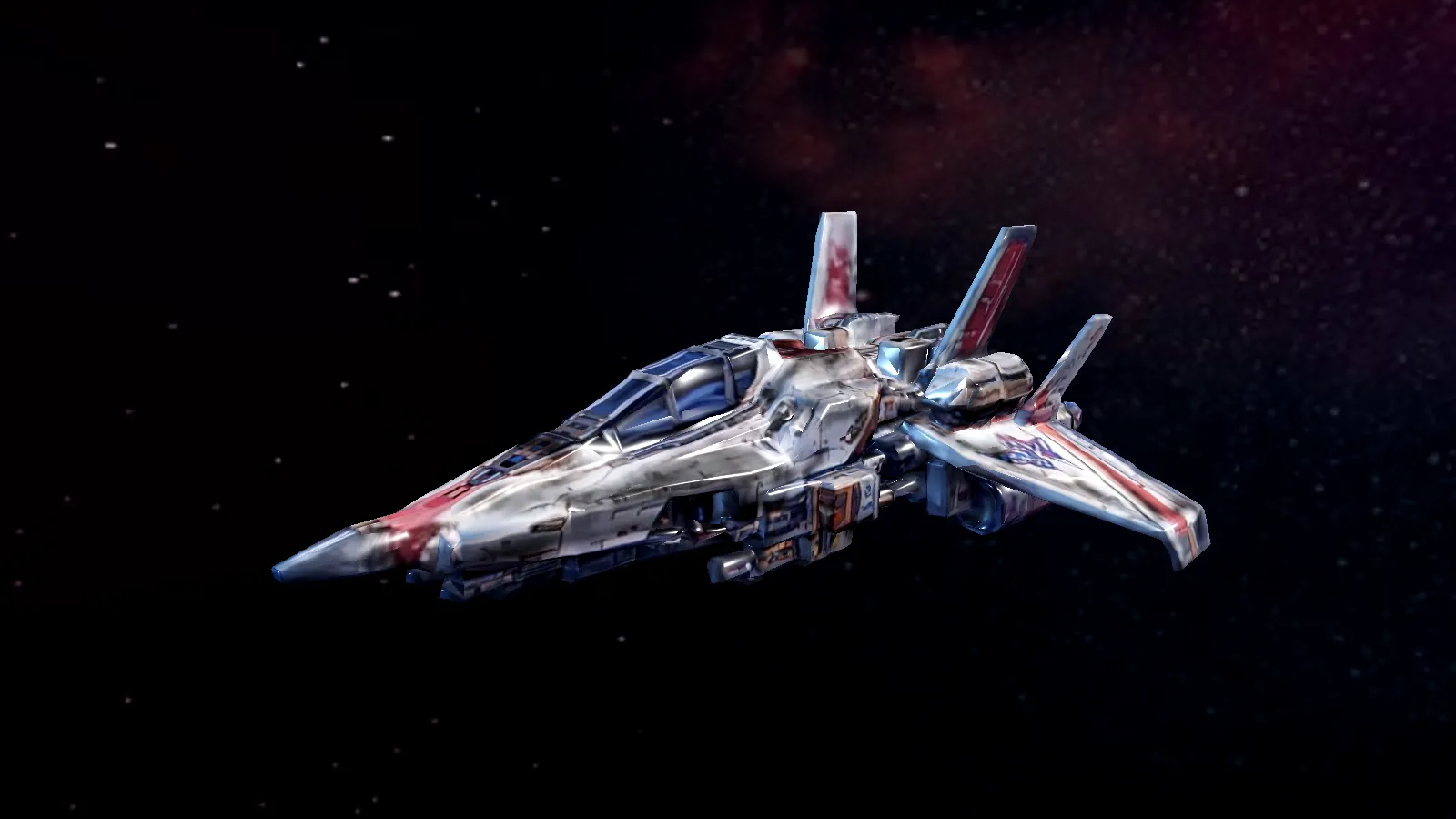
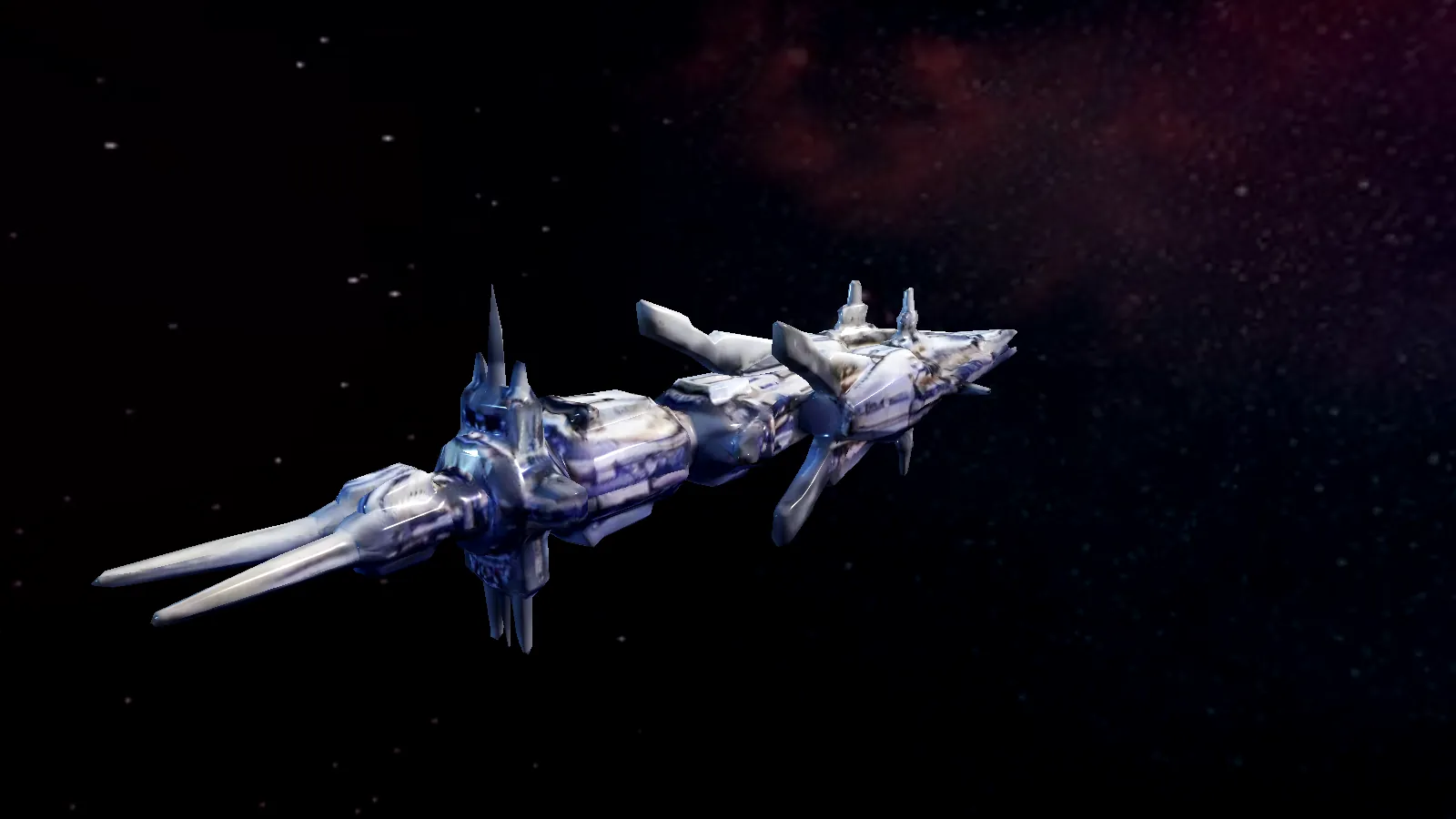
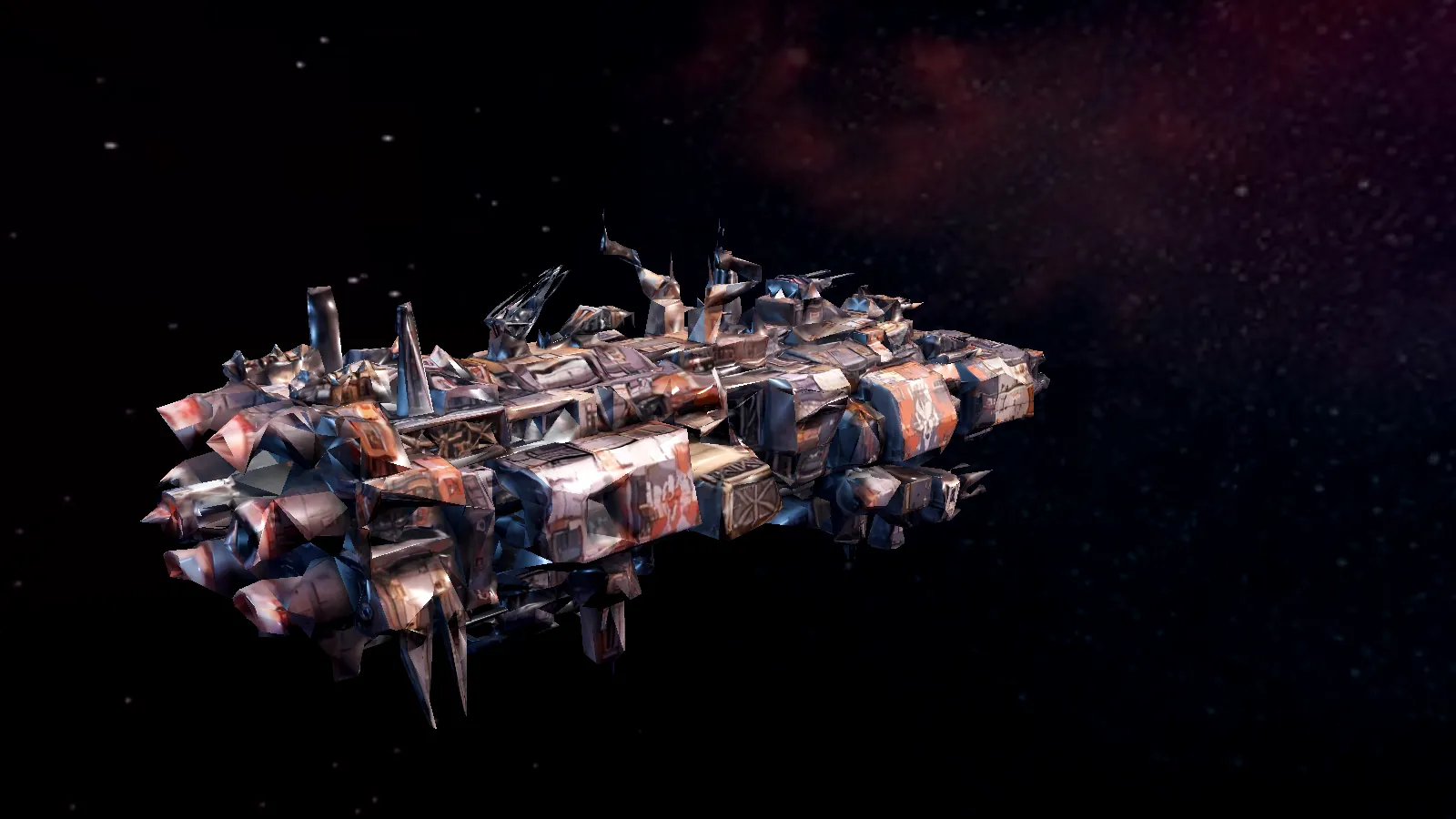
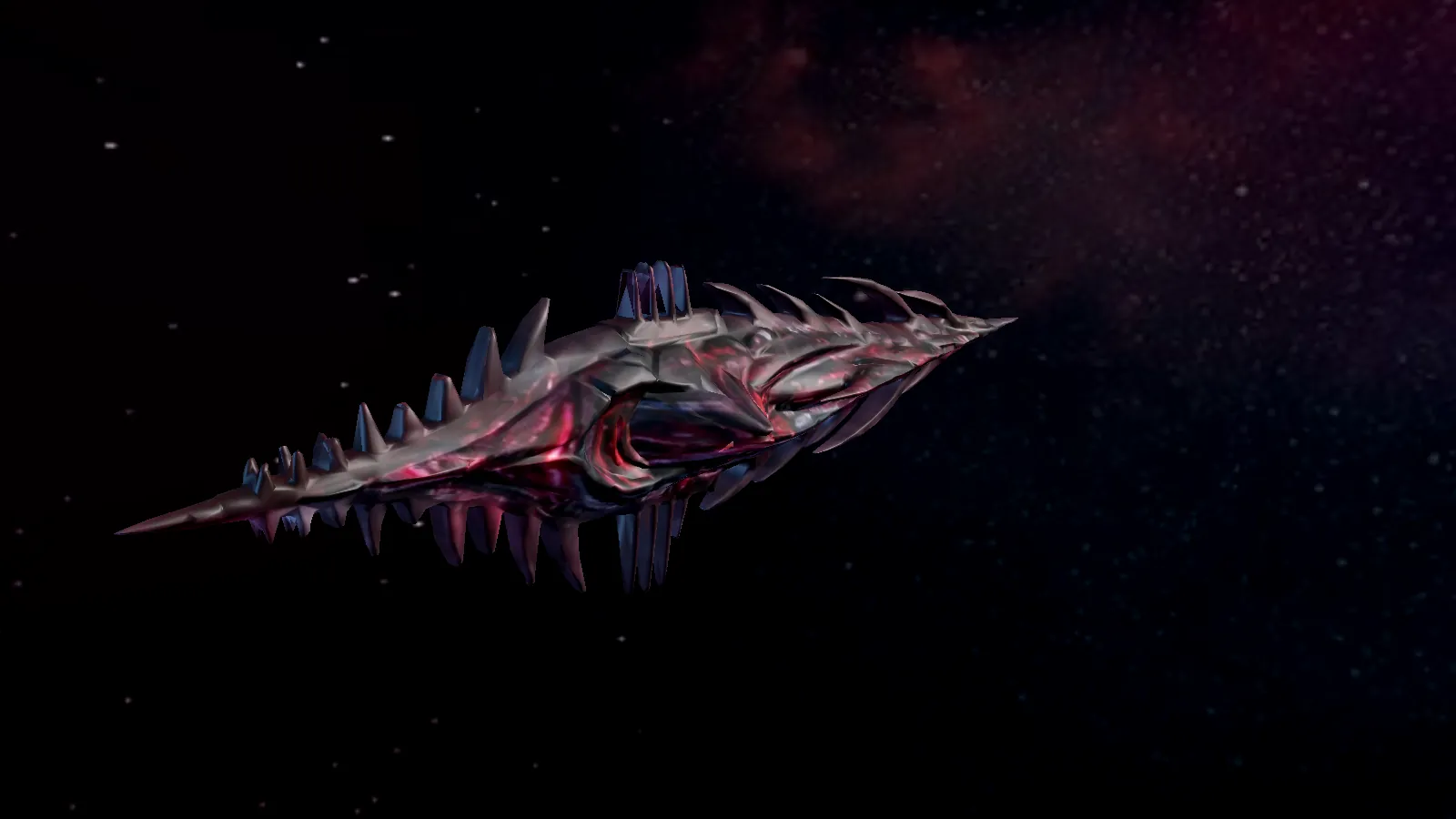
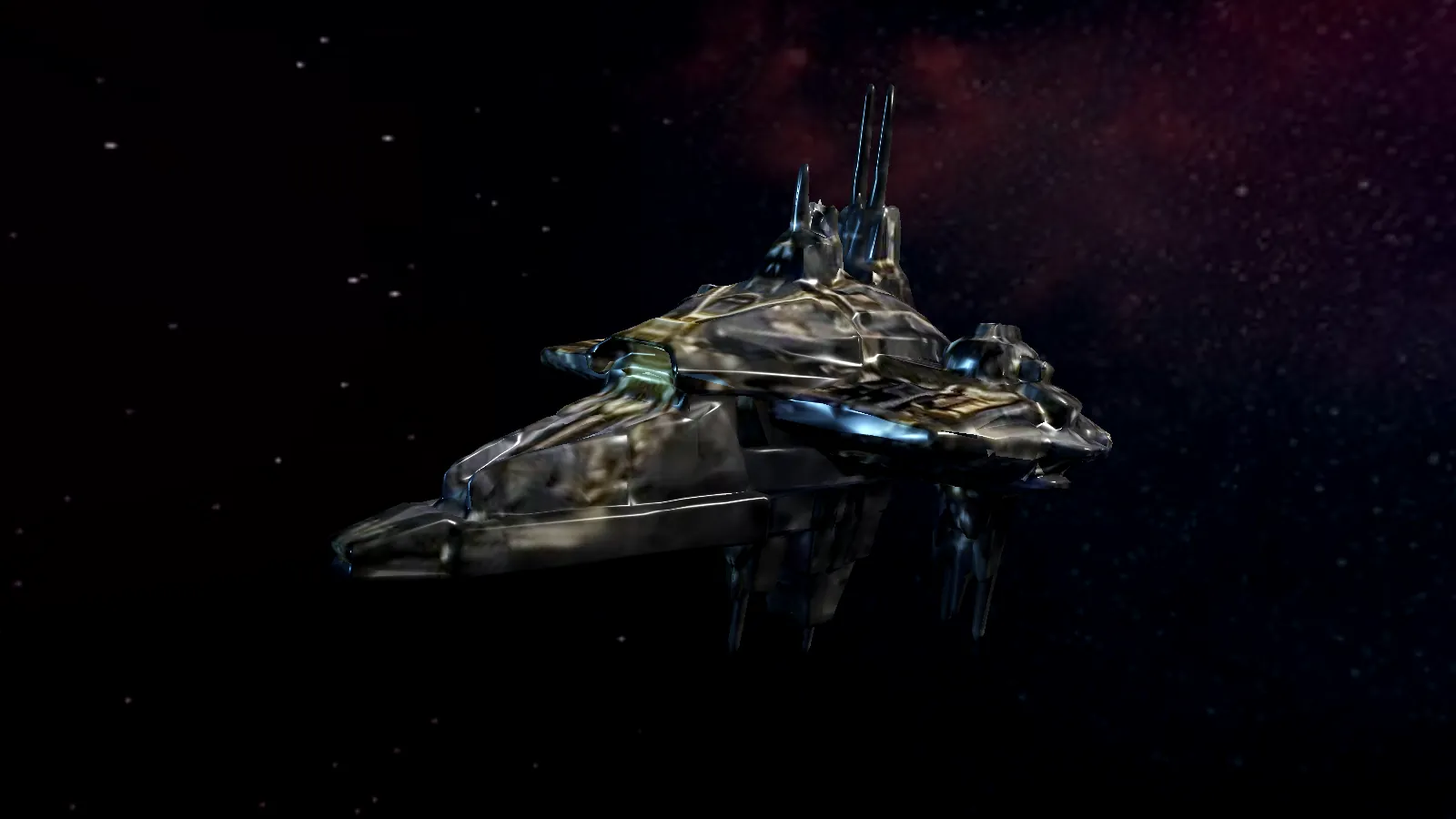
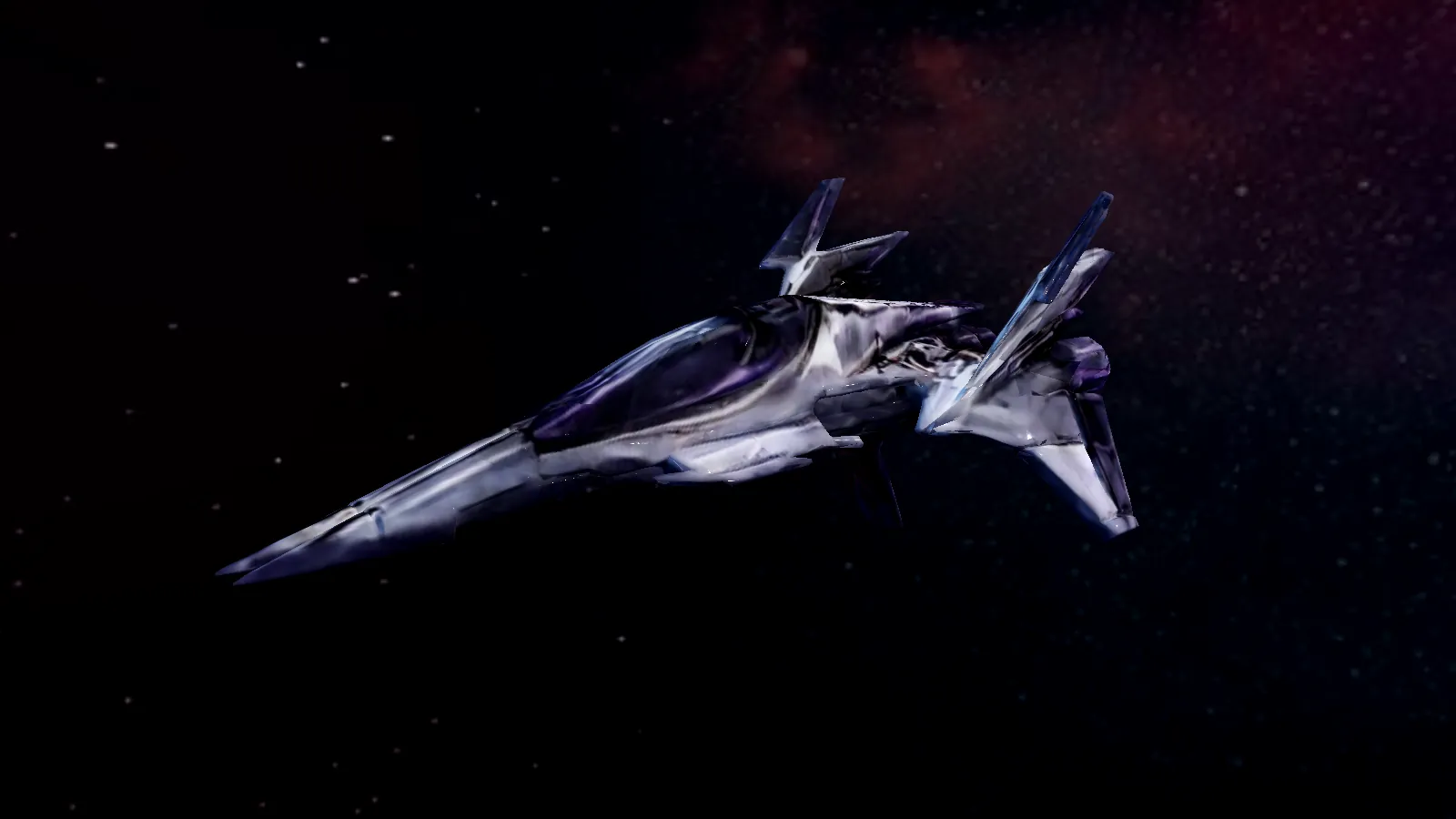
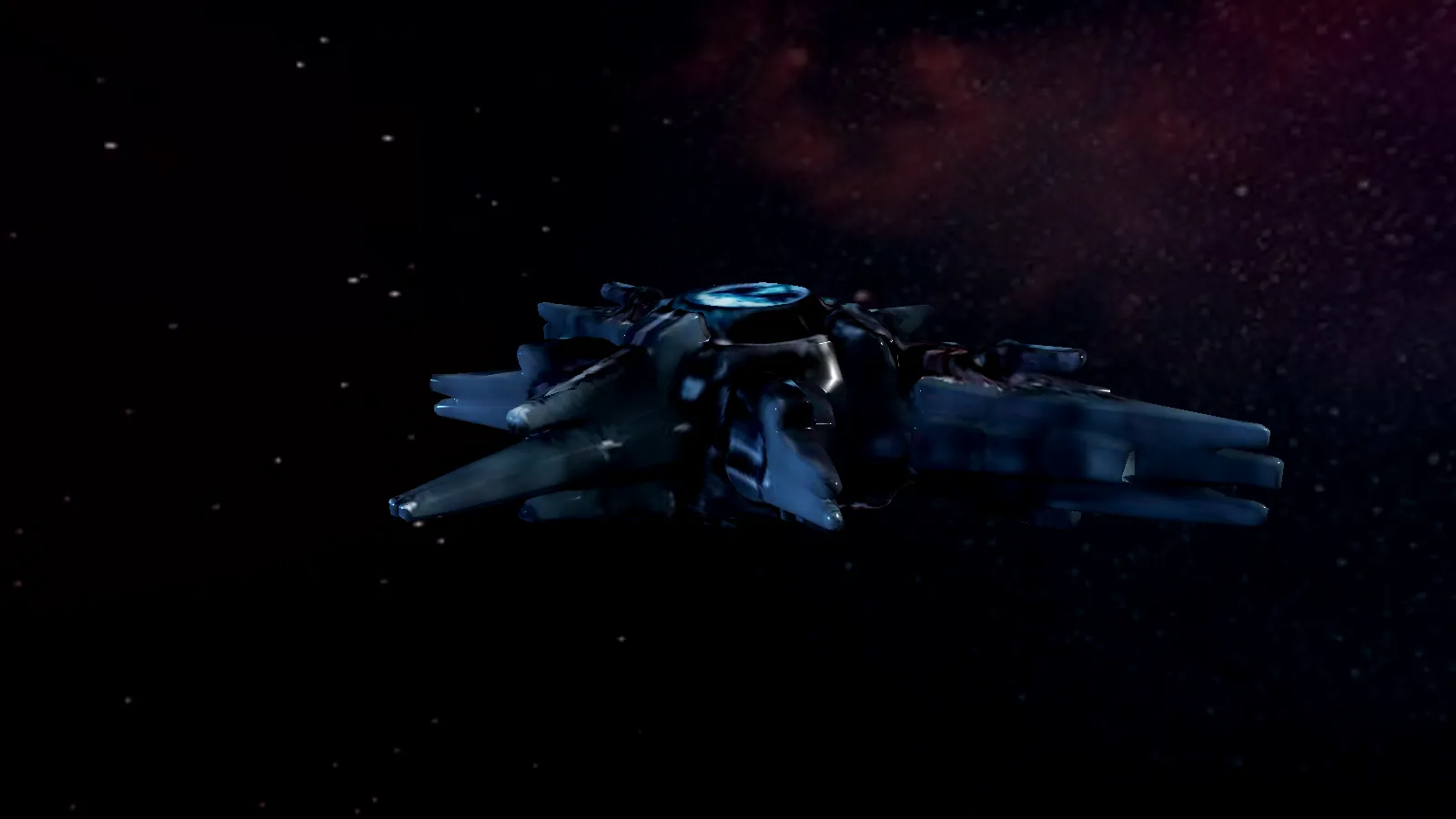
Ships rendered from the game's own 3D models. Your ships first, then the factions' fleets.
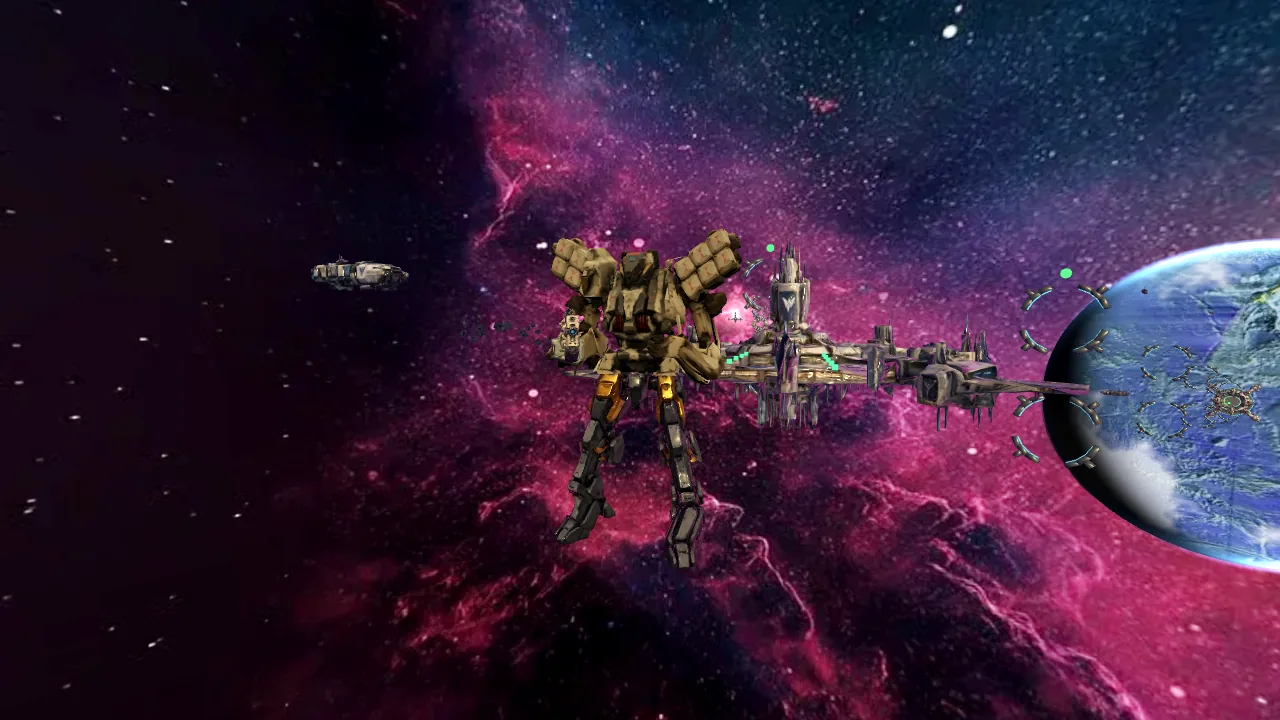
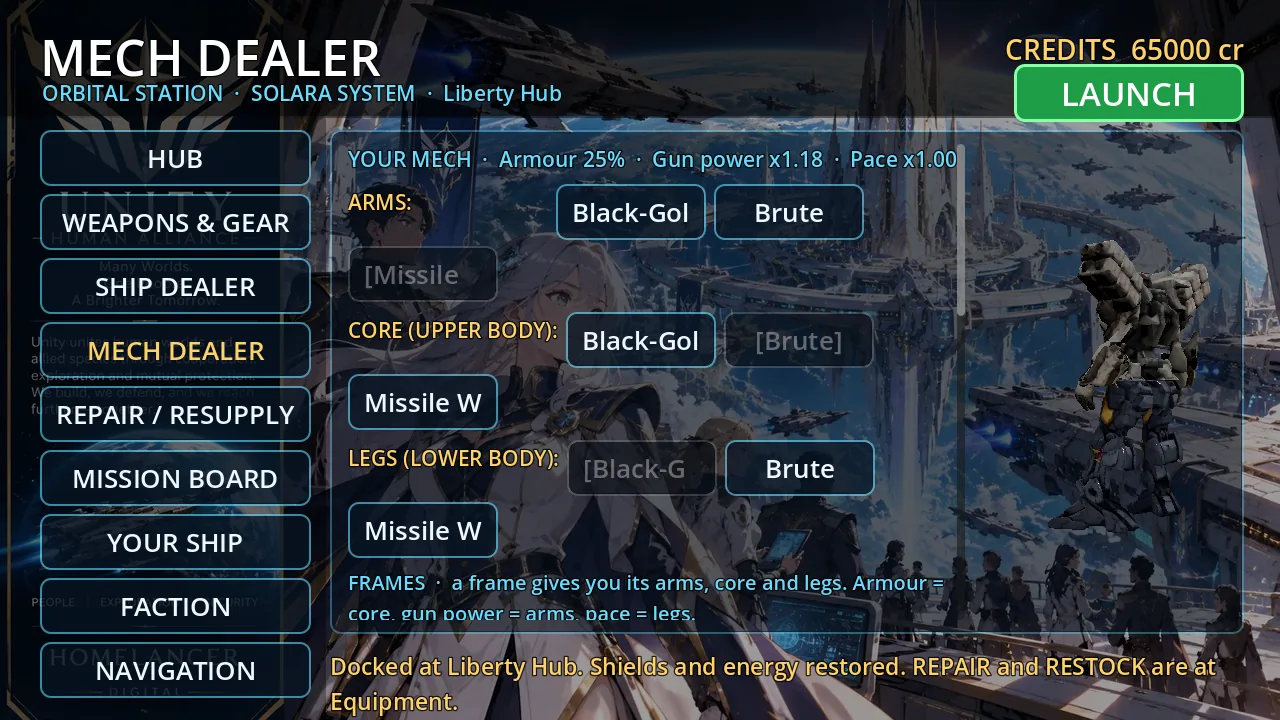
One tap and your ship becomes a mech that walks, digs and fights on the ground. Every mech is three parts — arms, core and legs — and you can mix them from any frame you own. Every faction fields its own mech, and its bosses are bigger.
Swipe through the mech frames →
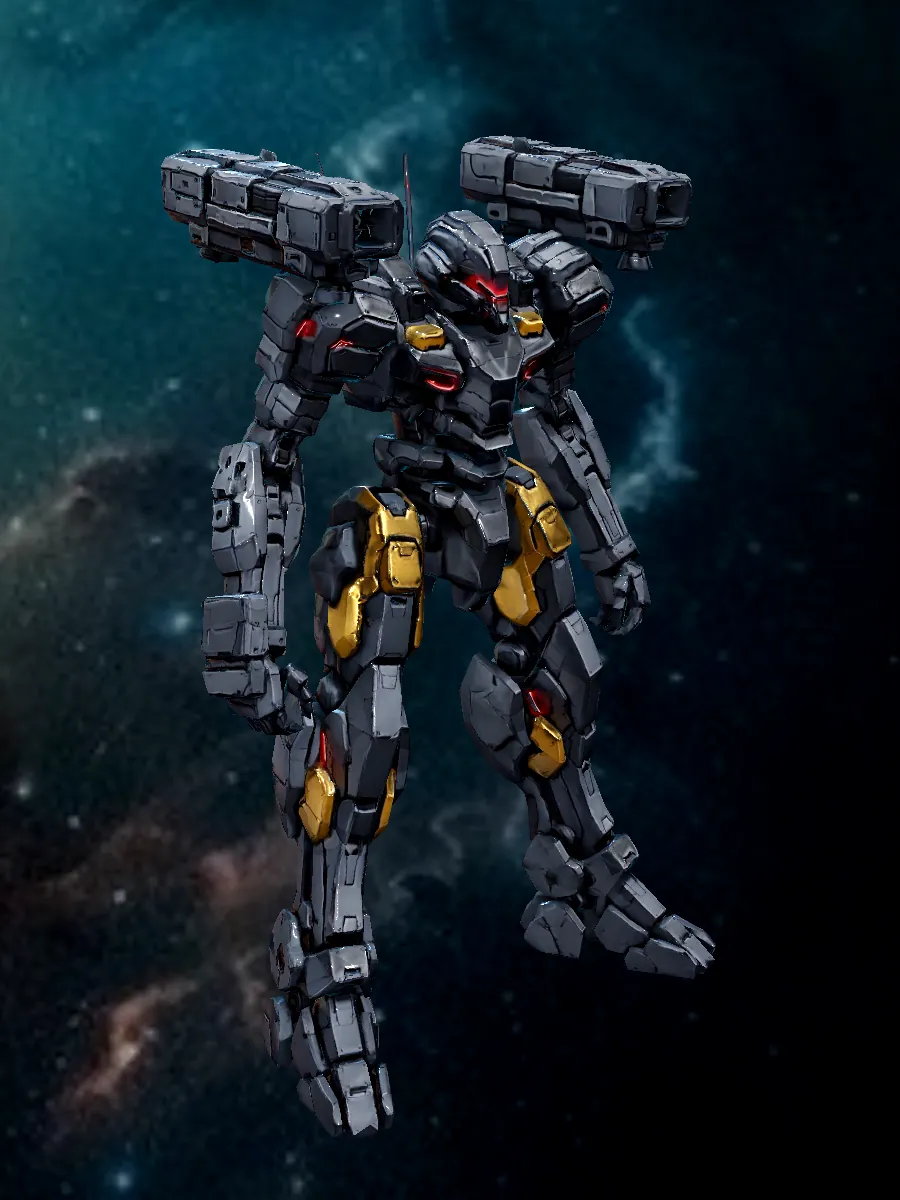
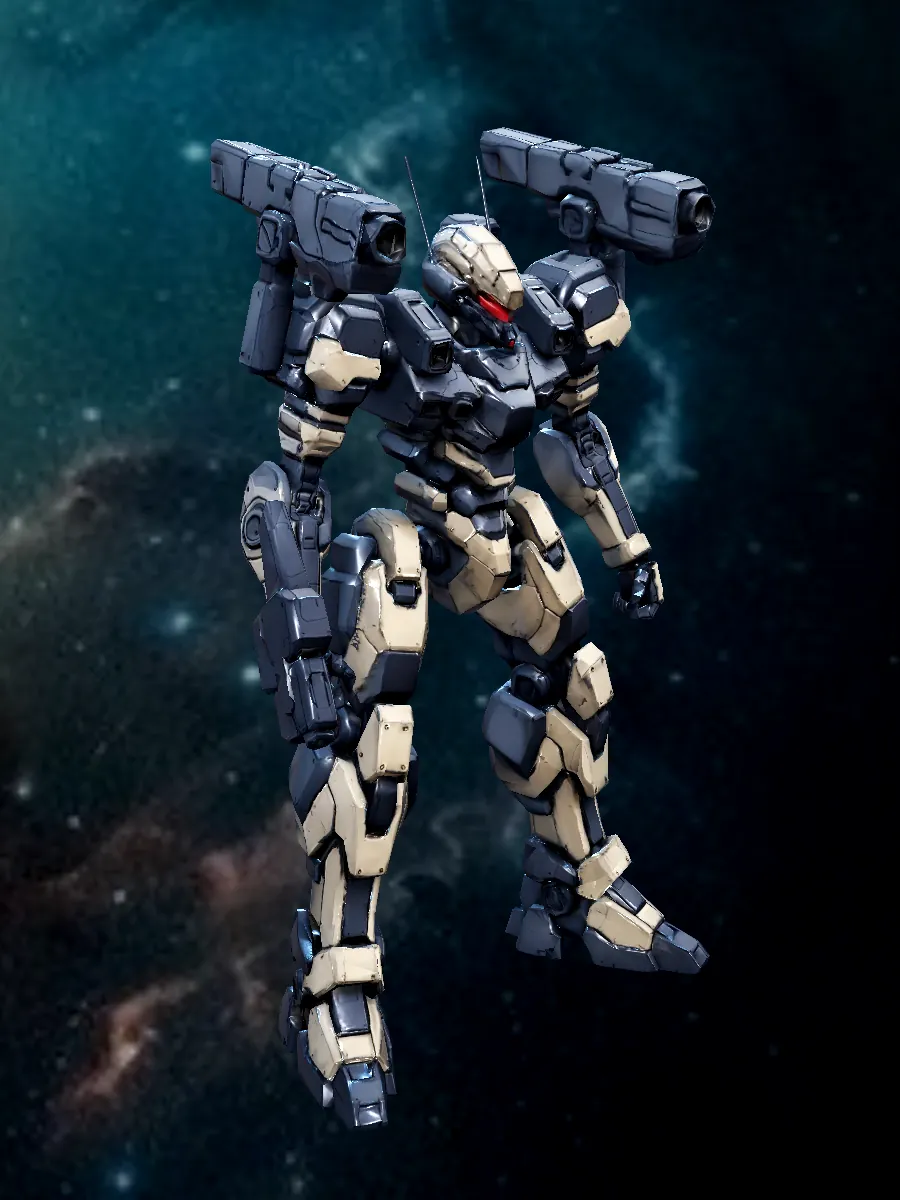
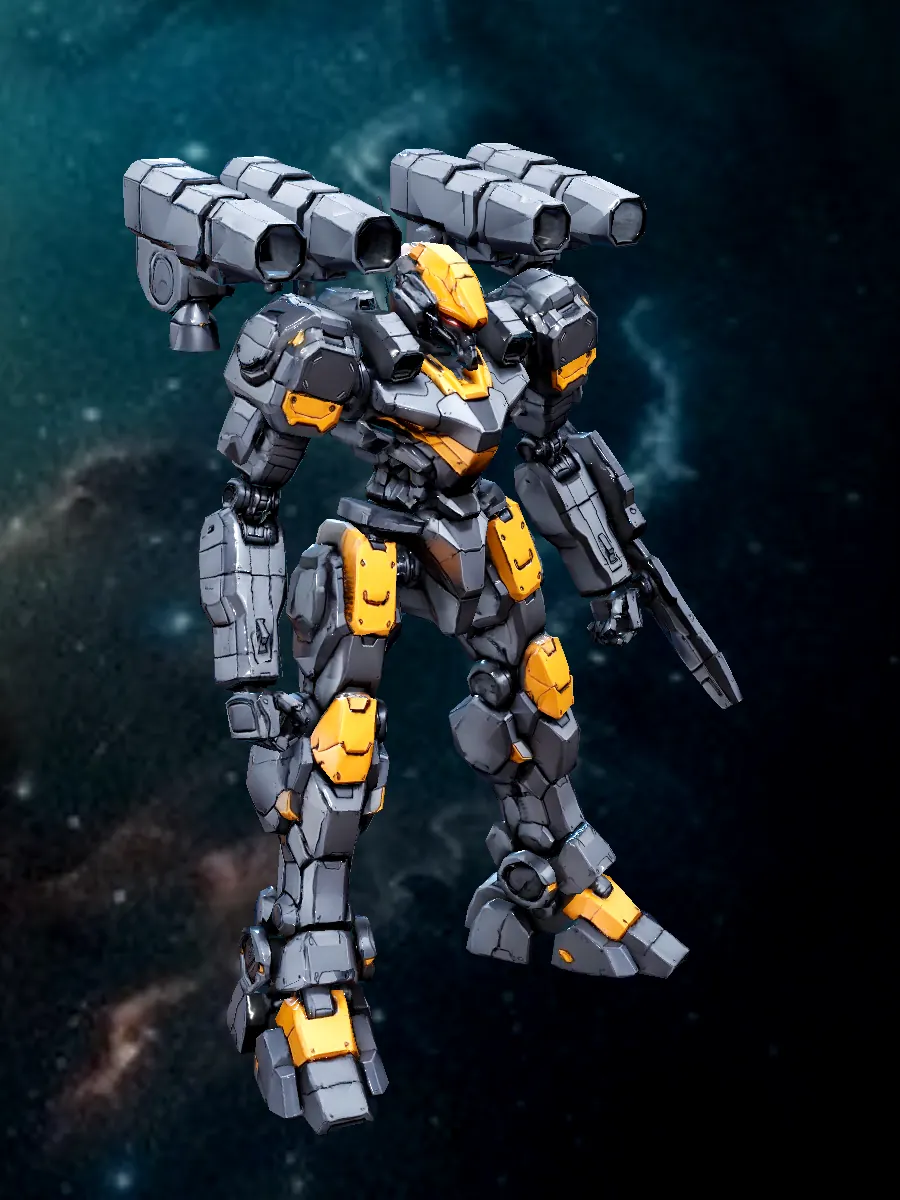
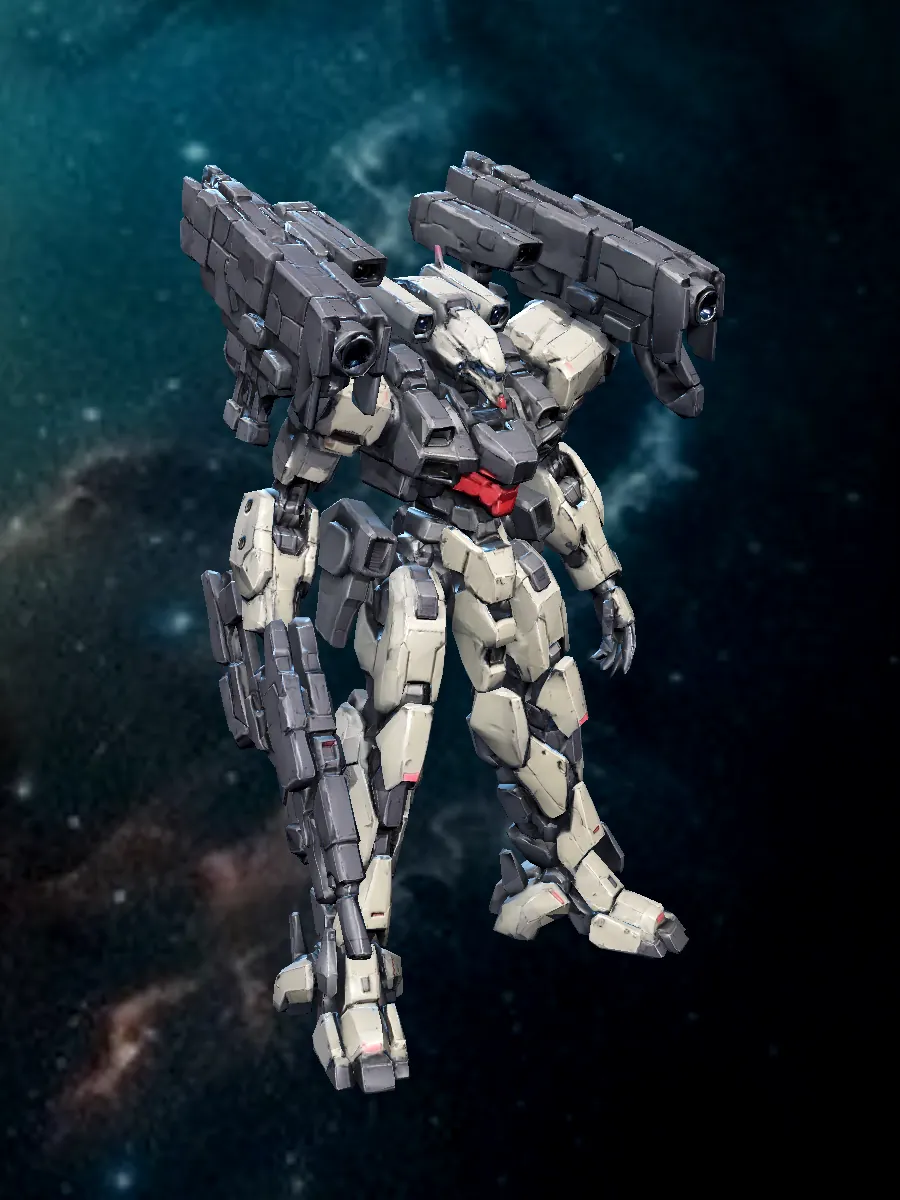
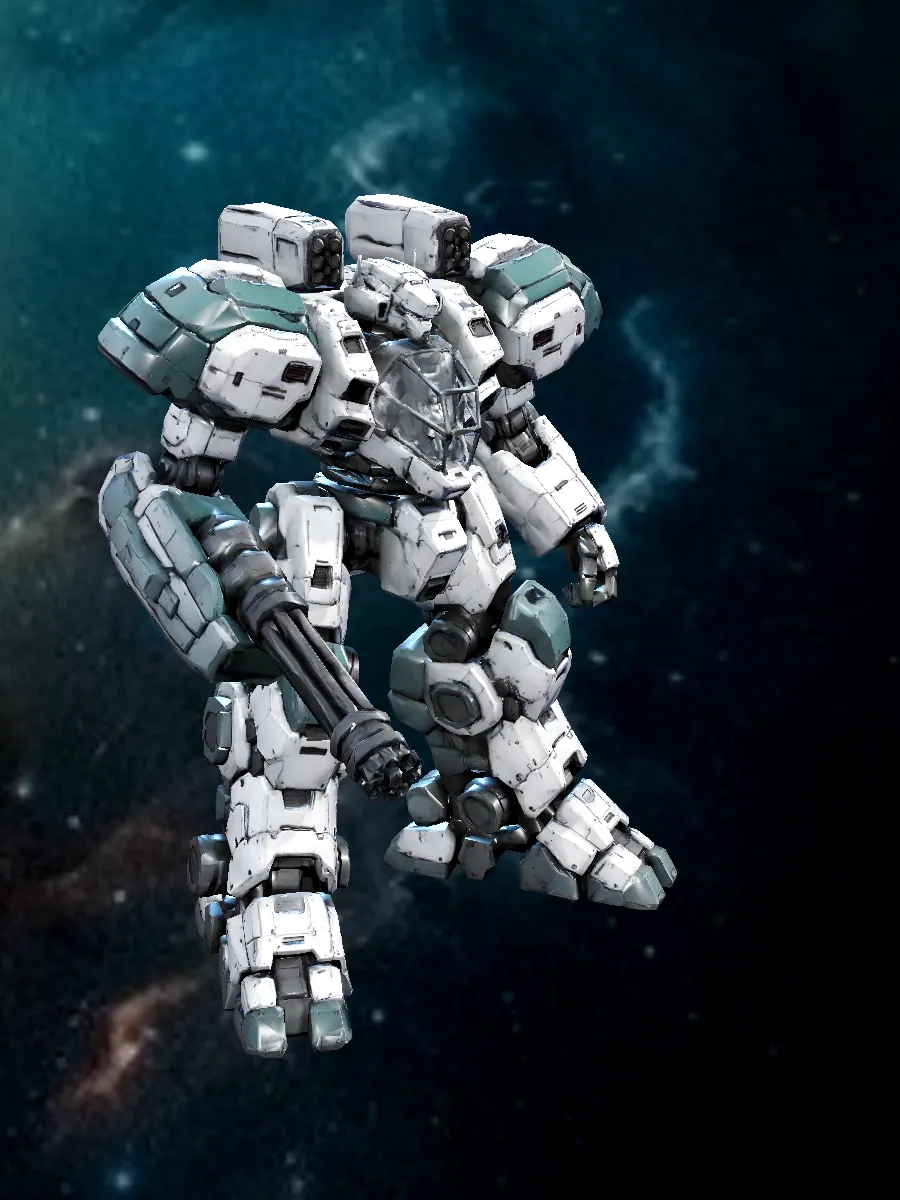

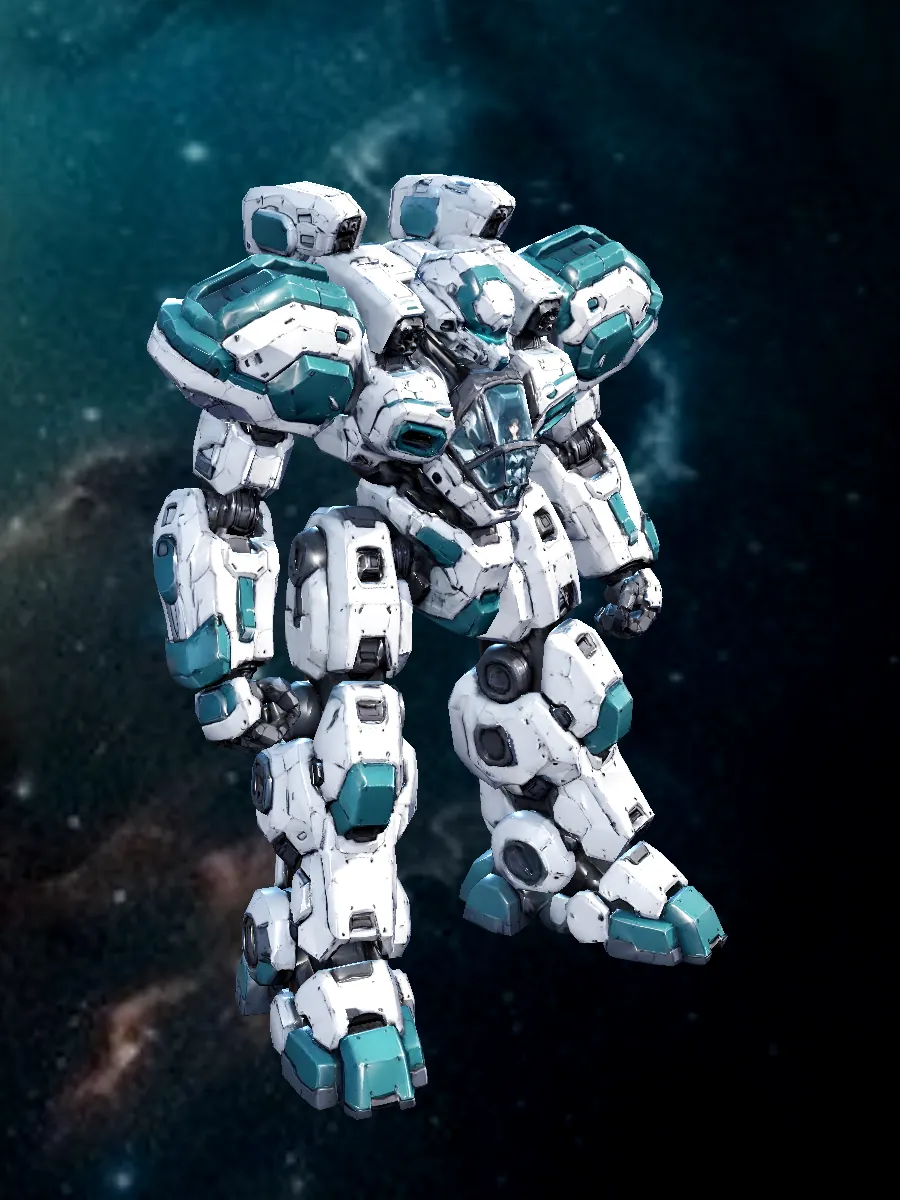
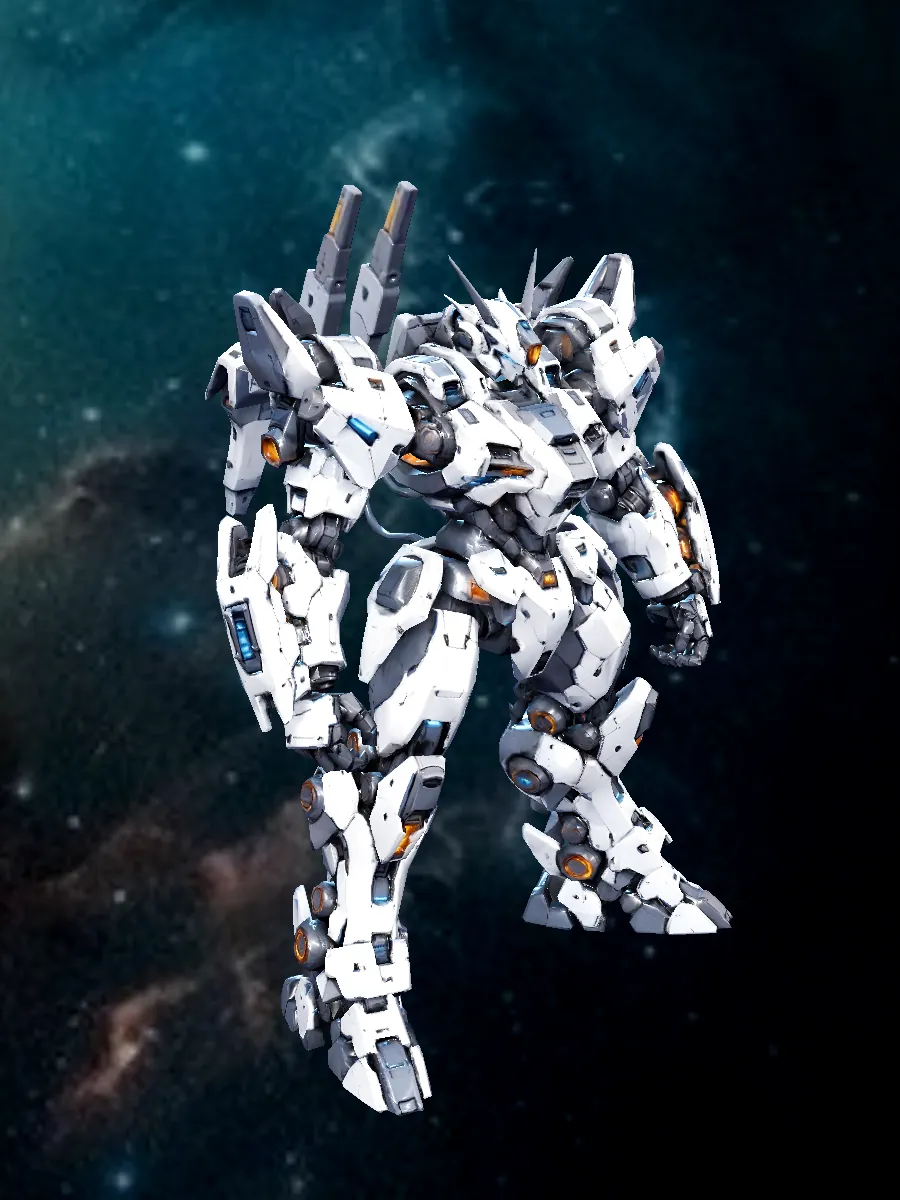

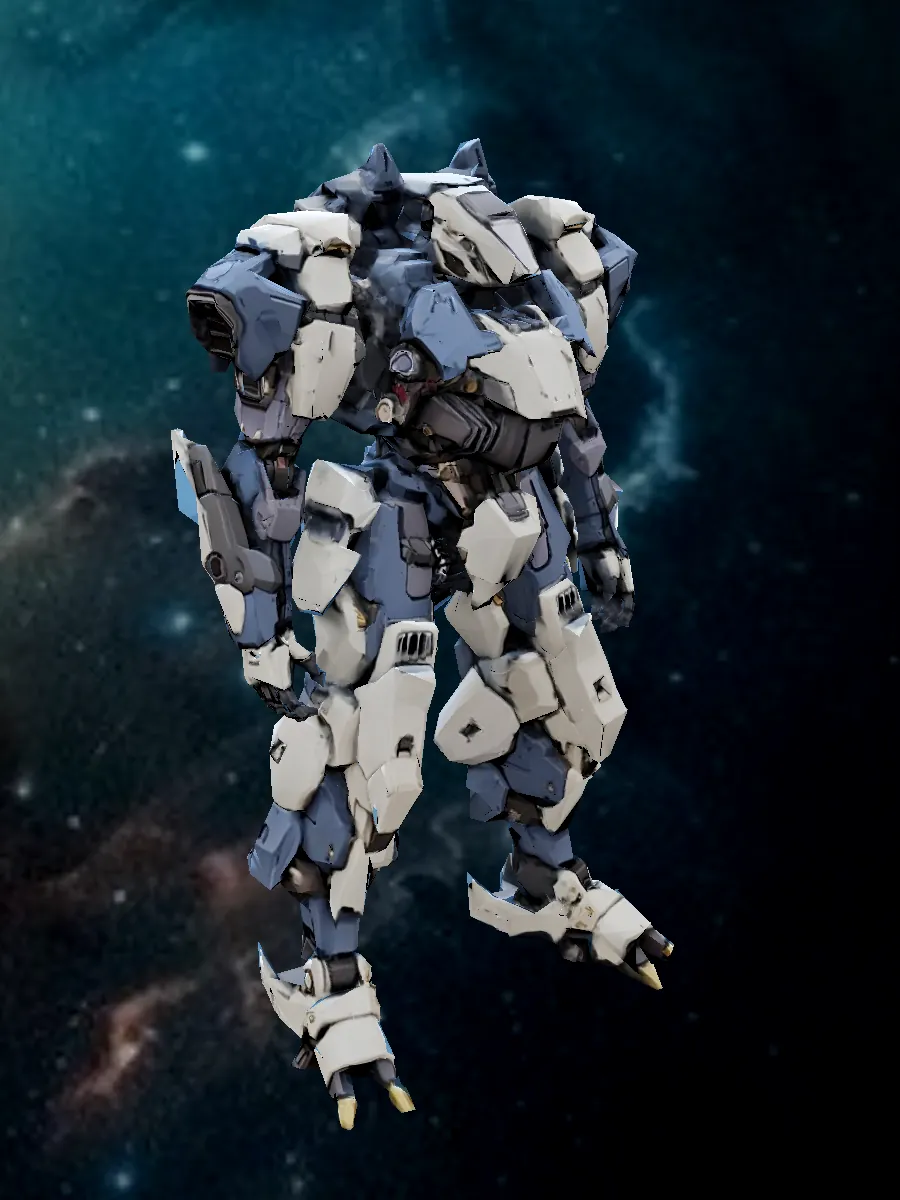
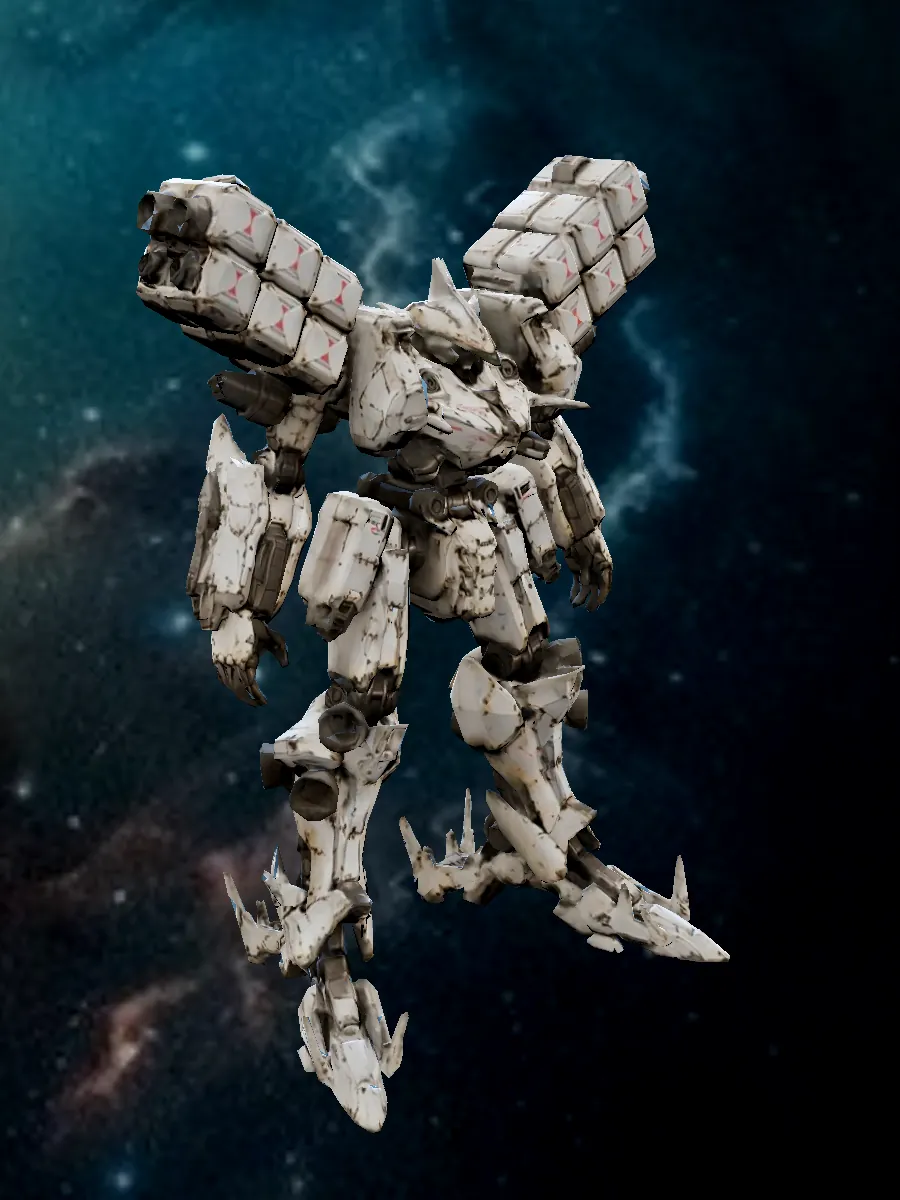

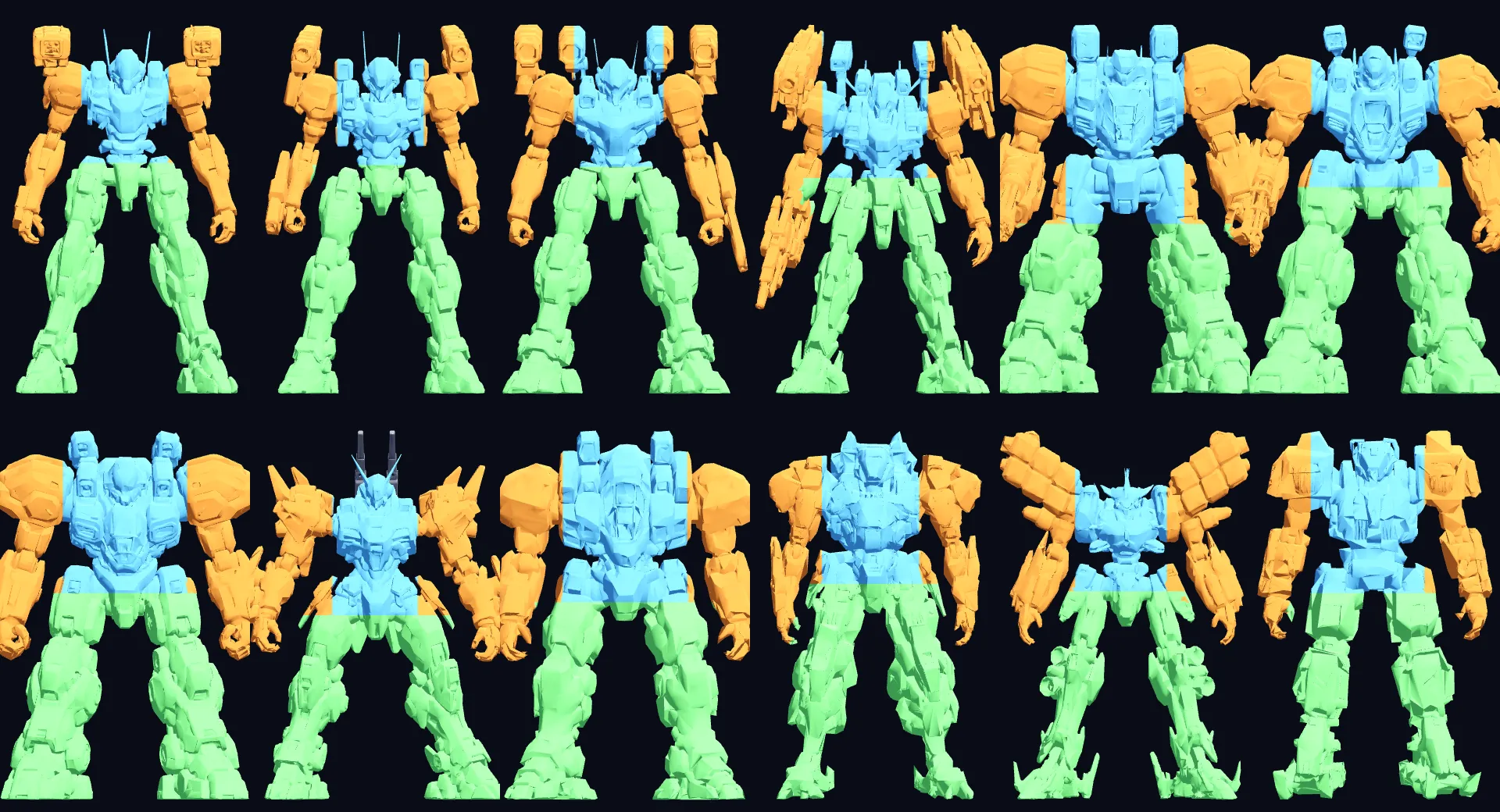
Mech images are rendered from the game's own 3D models.
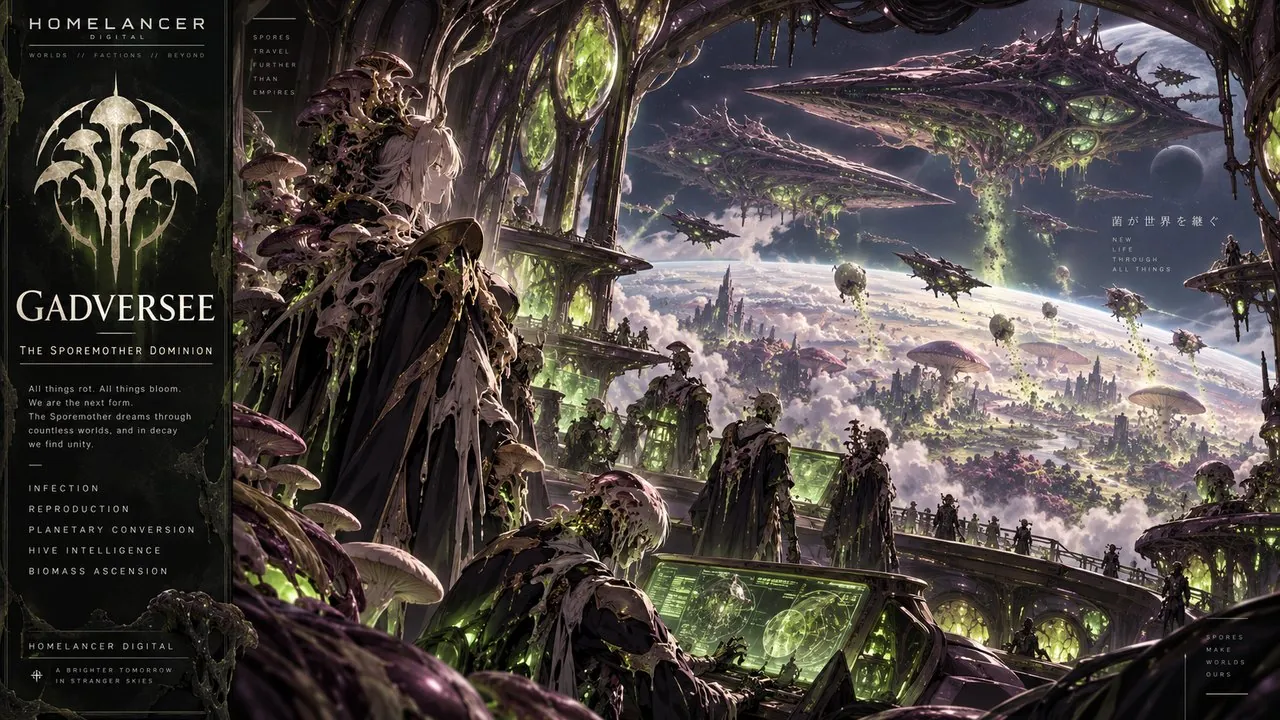
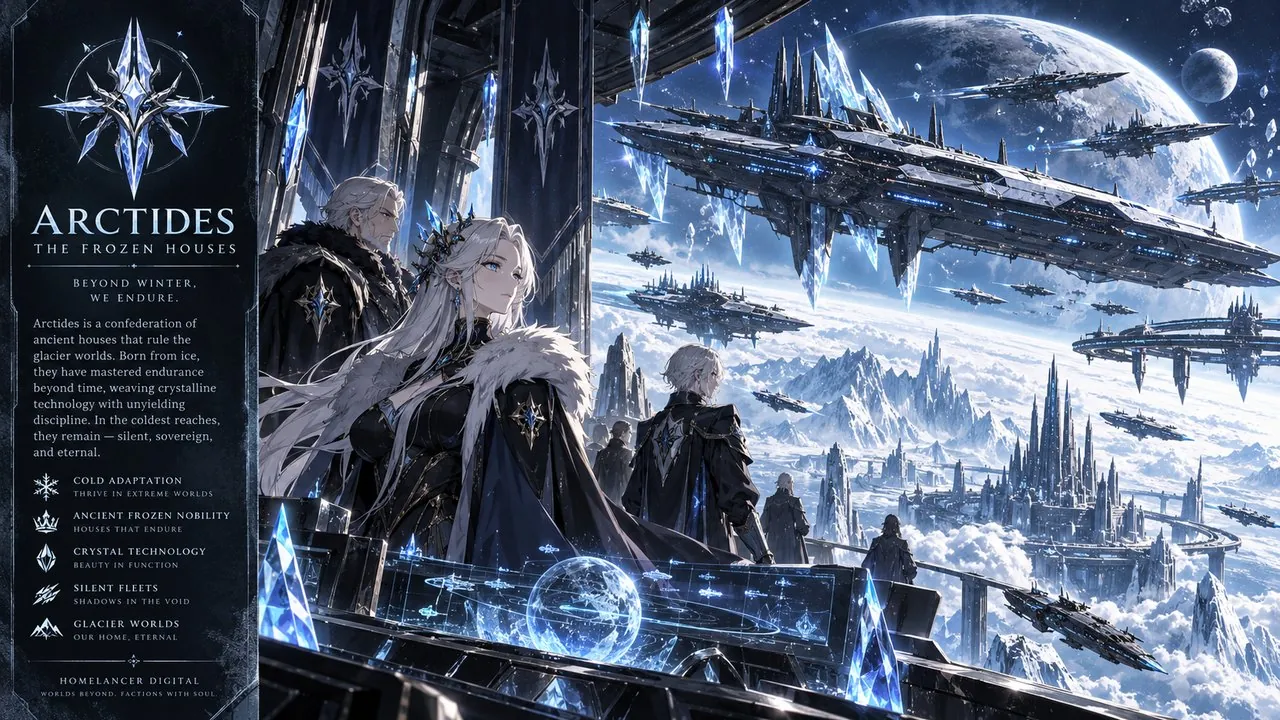
Fourteen factions shape a galaxy of alliances, rivals, worlds and conflict. Meet the forces behind the universe in a cinematic layered showcase.

Explore the Unity faction and its role in the Homelancer universe.
▶ Start Game ↗Faction imagery and spacecraft are concept artwork. The foreground is an independent image layer, ready for character PNG or animated art when approved.
Nations, raiders and machine empires, each with its own territory, fleets and mechs. Your standing with them decides who greets you at the dock — and who opens fire.
Swipe through the factions →
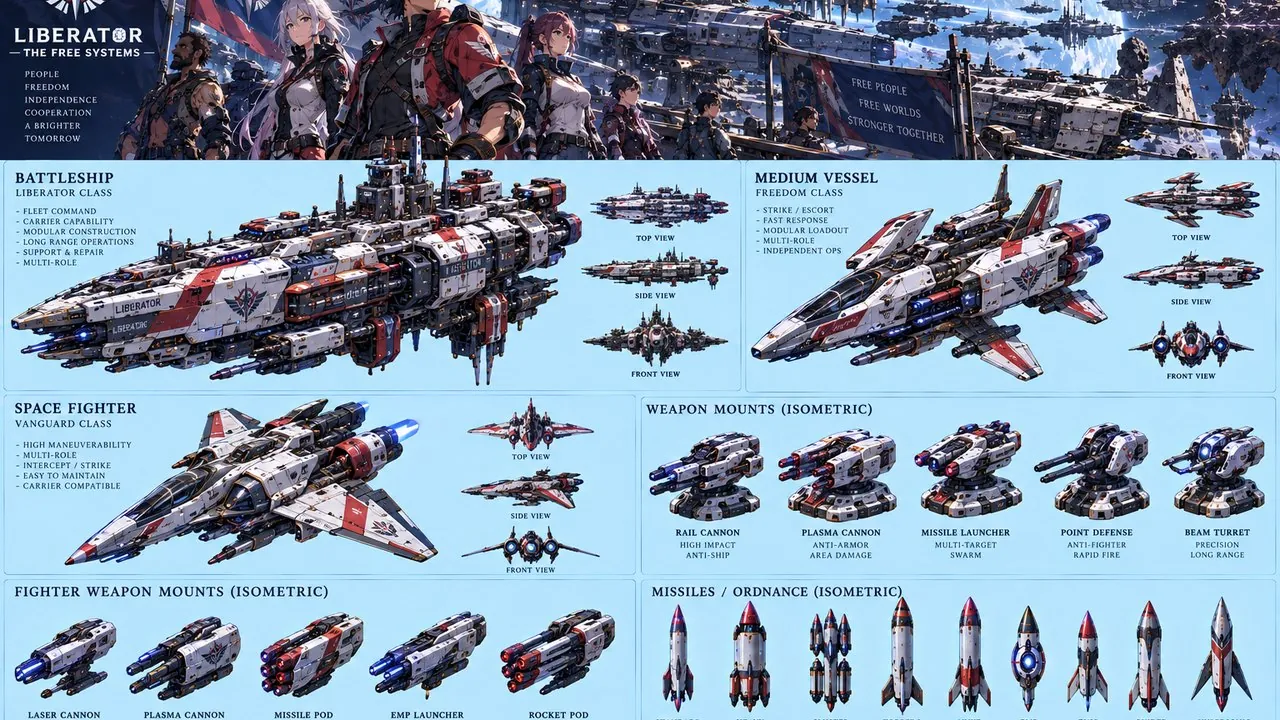
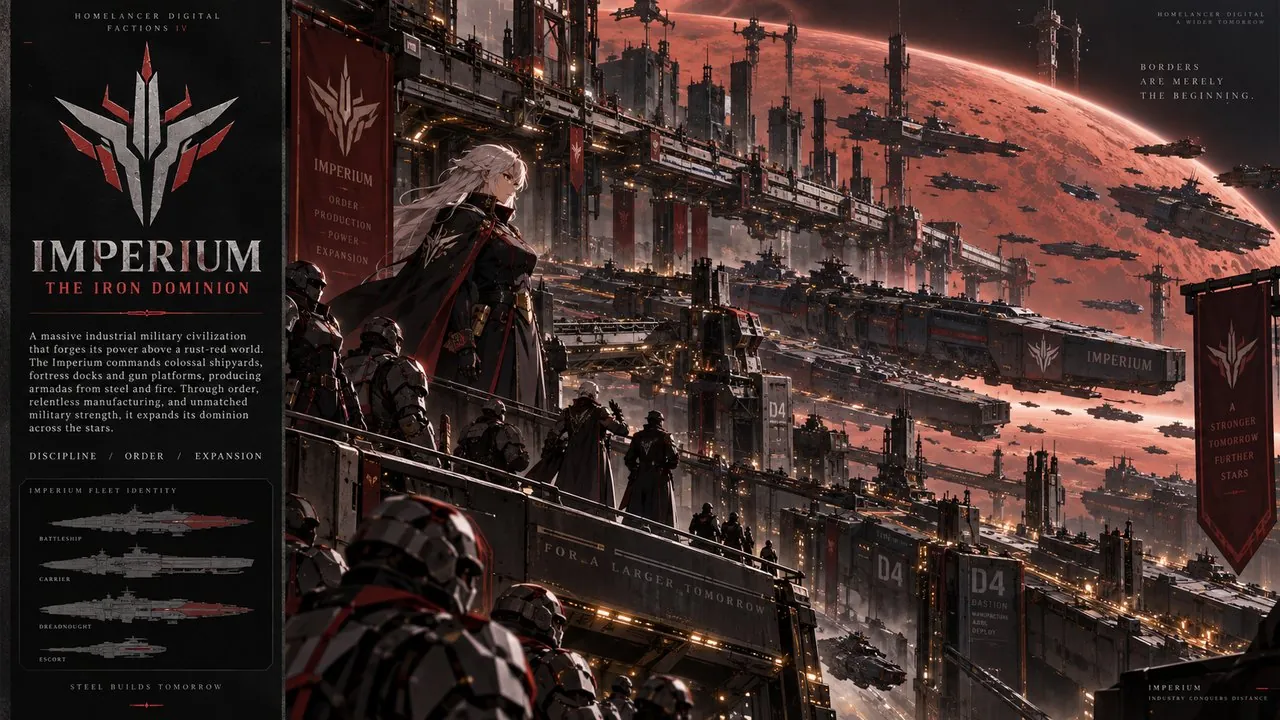




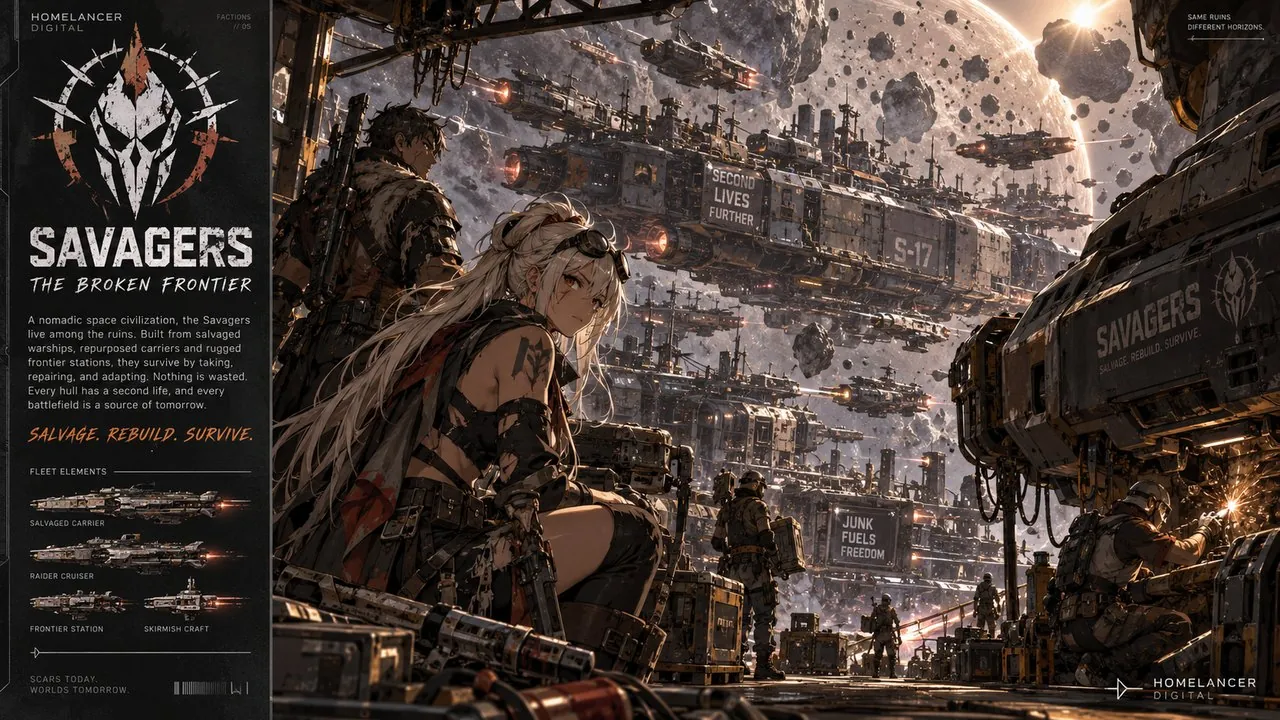
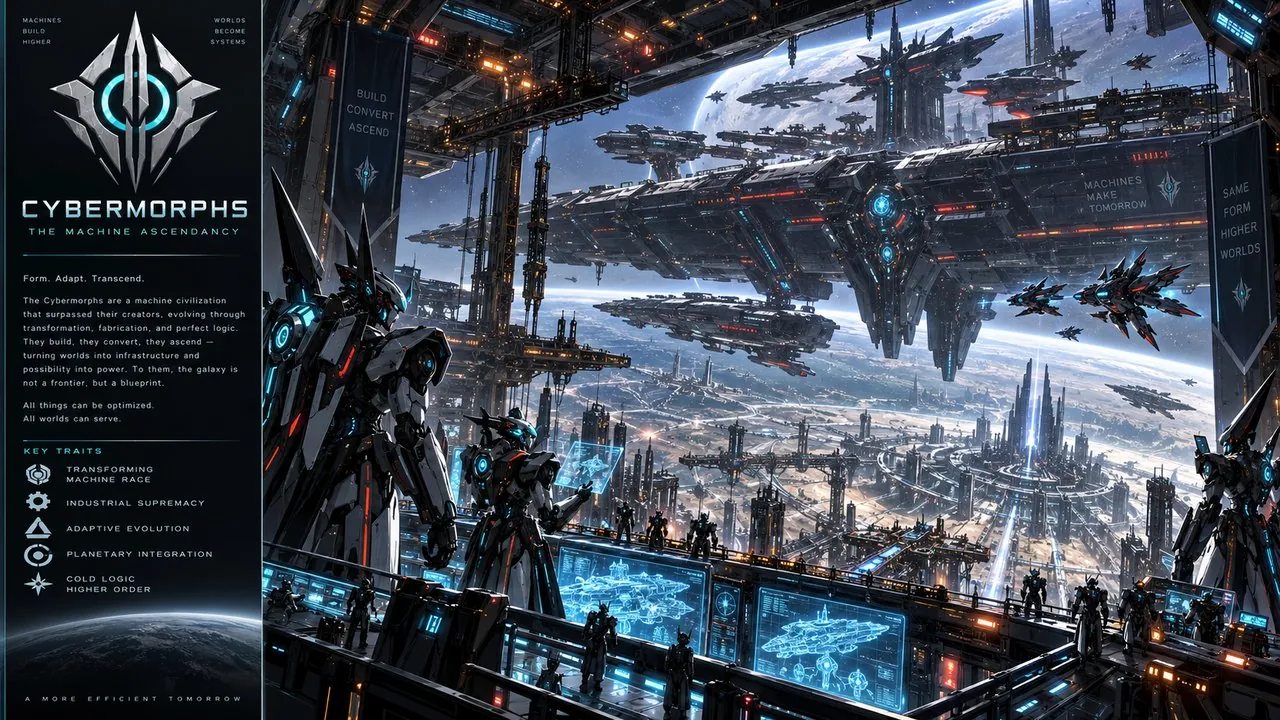


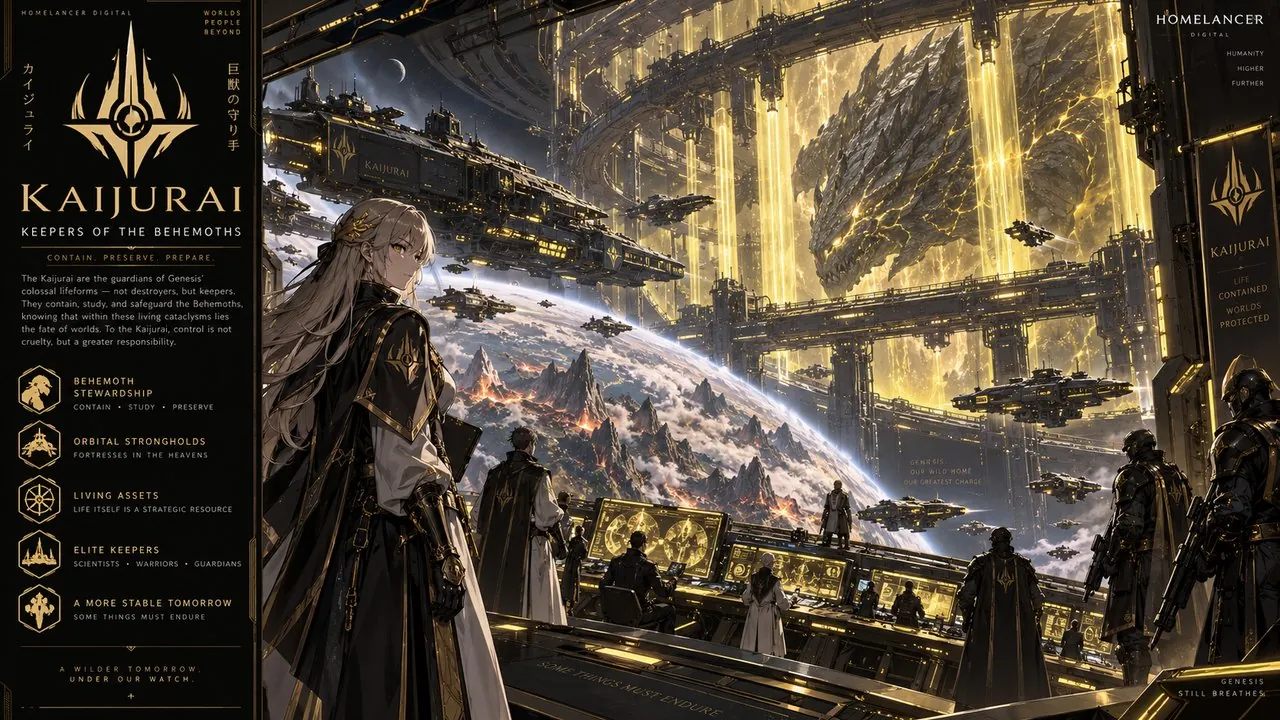
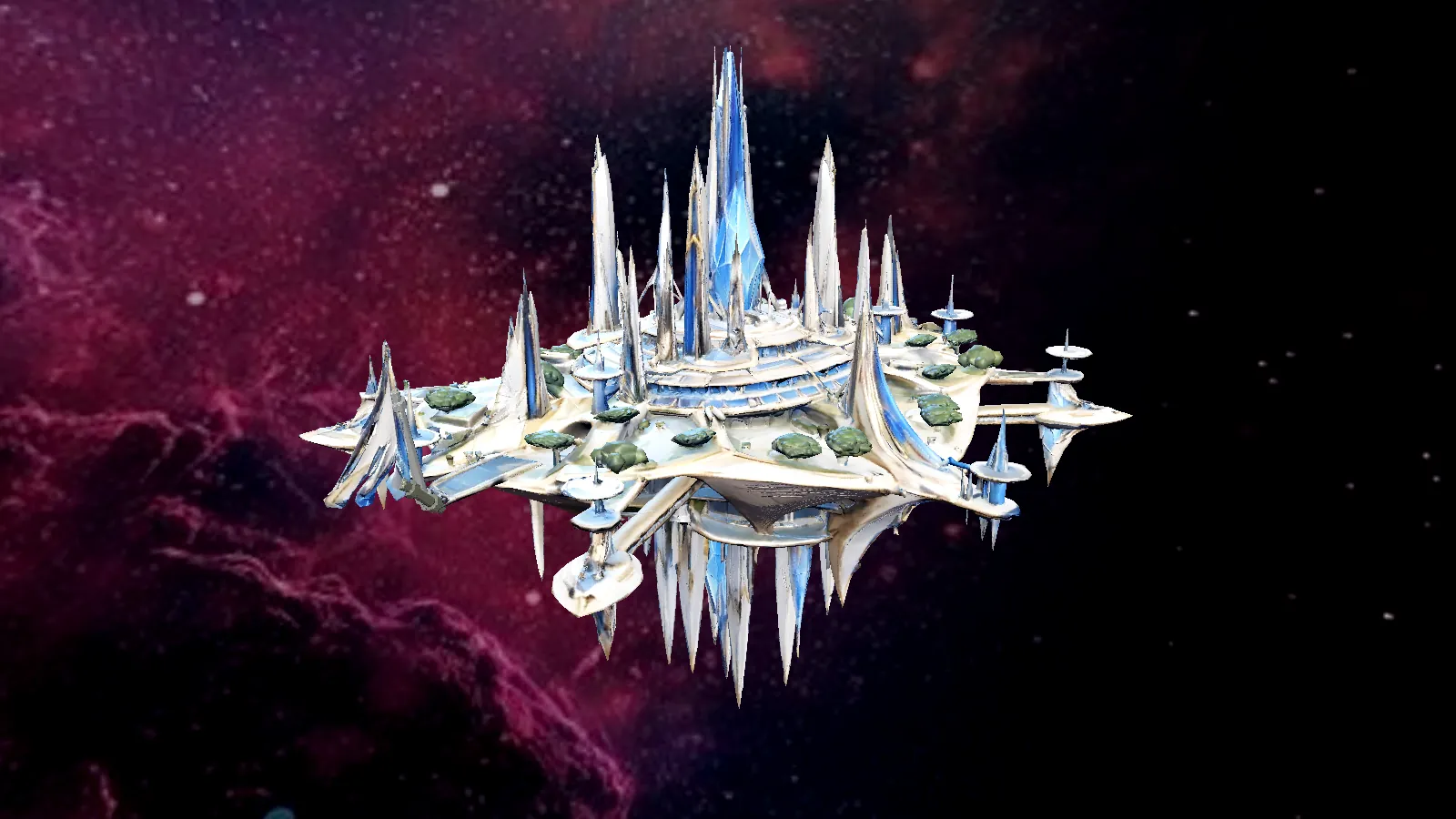
Capitals, trade hubs, pickets and roaming battleships.
Capital citadels, frontier depots, a living asteroid base and two Cybermorph battleships that roam their space.
Swipe through the stations →
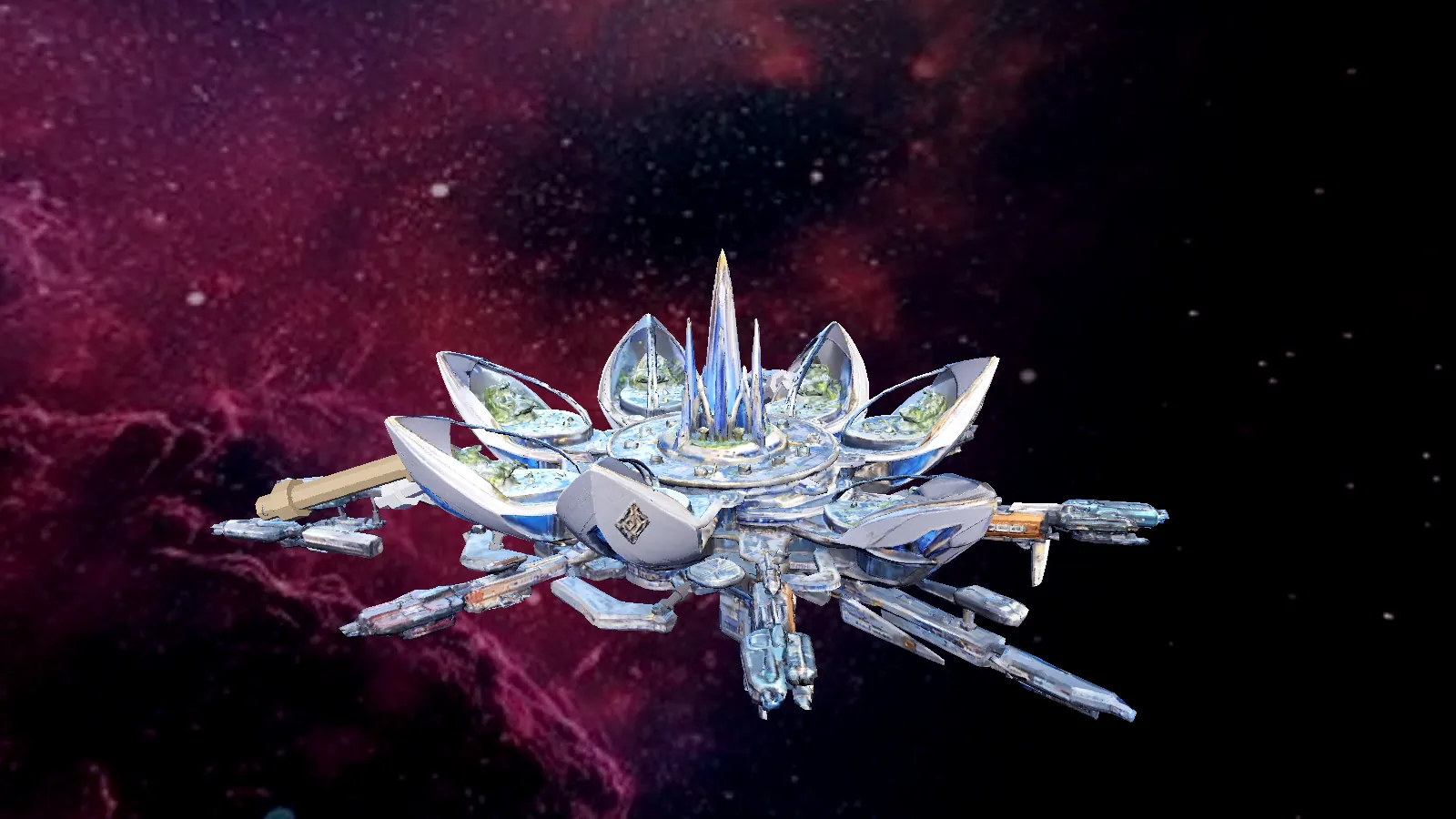
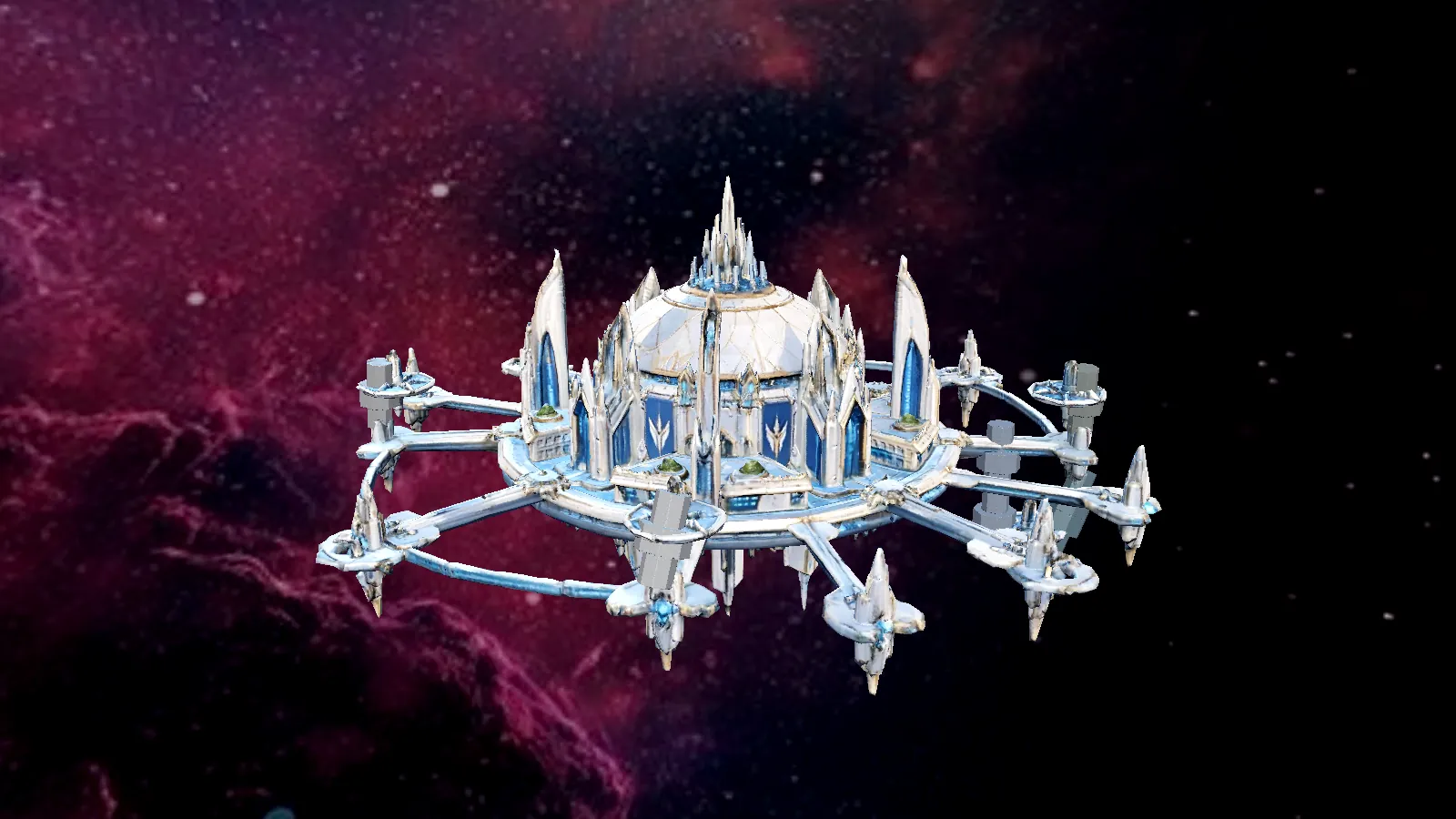
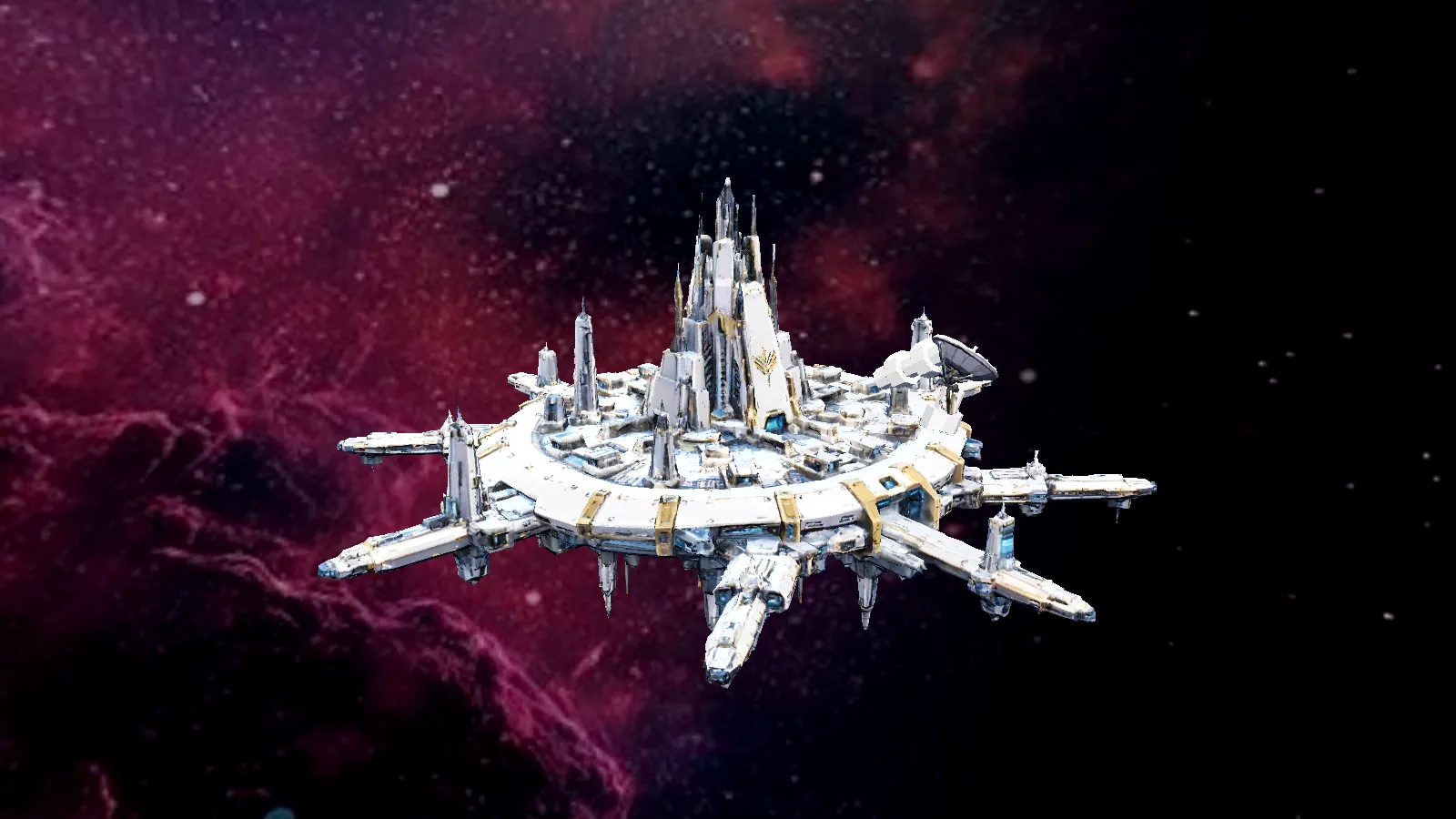
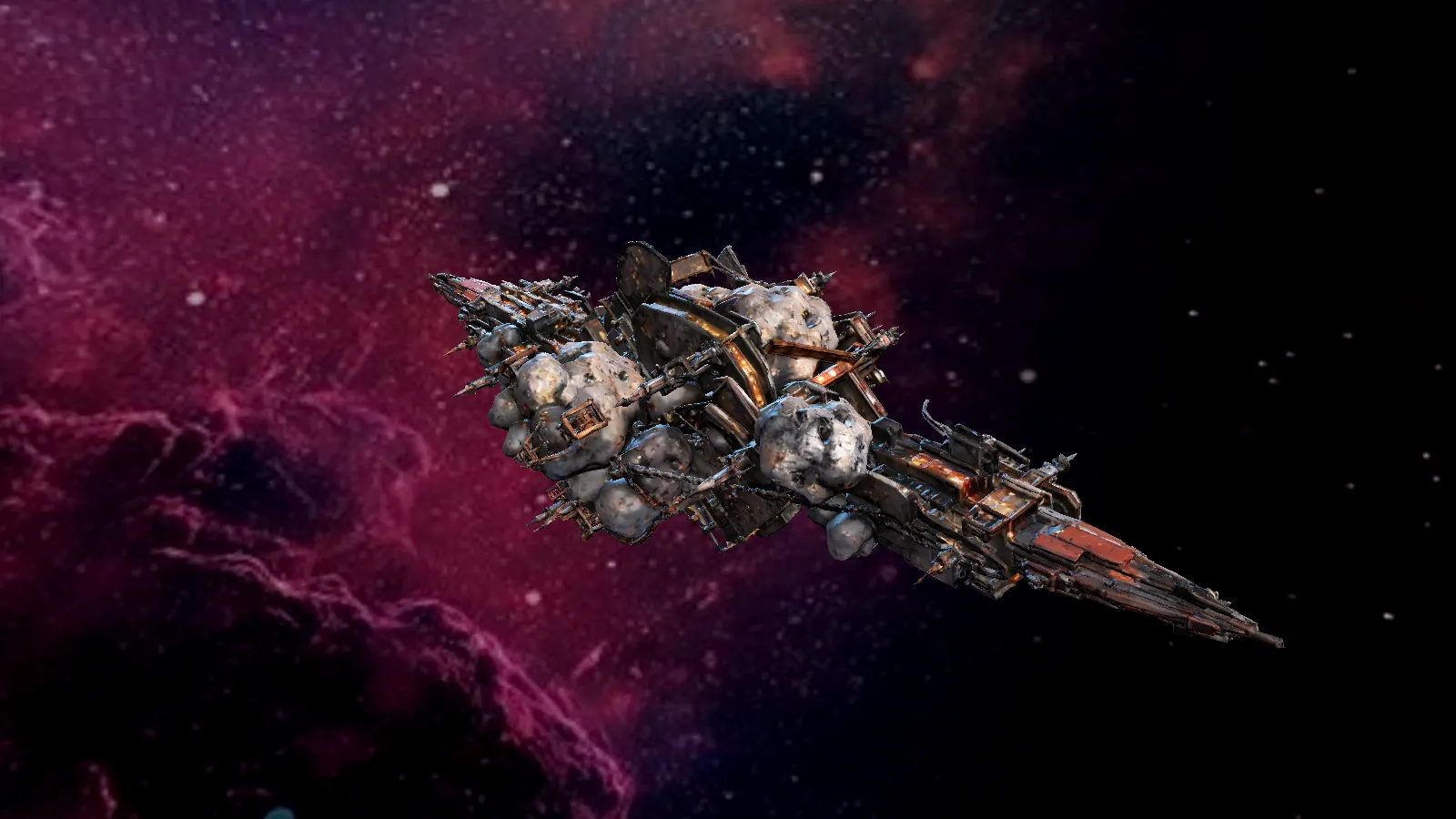
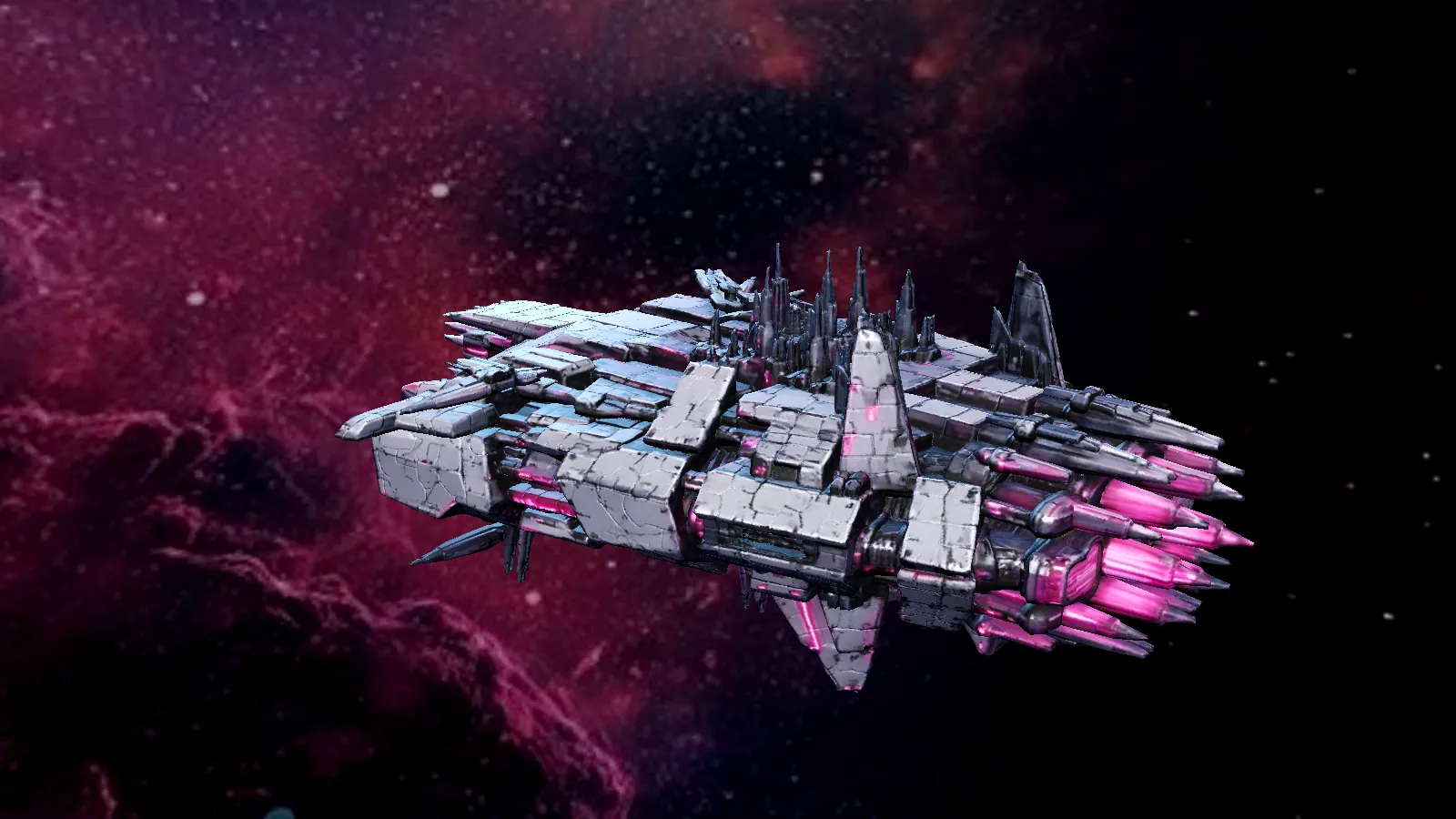
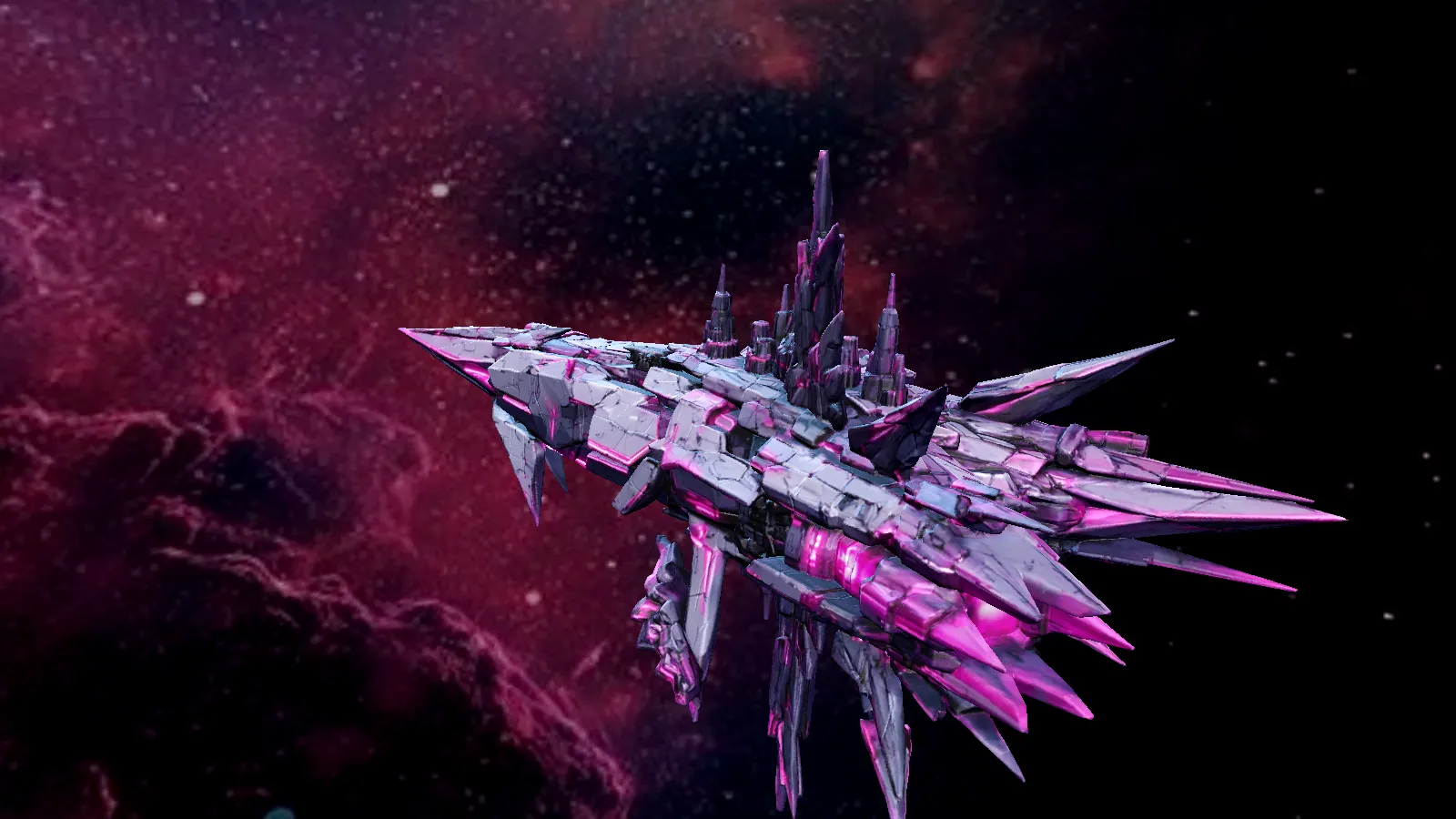

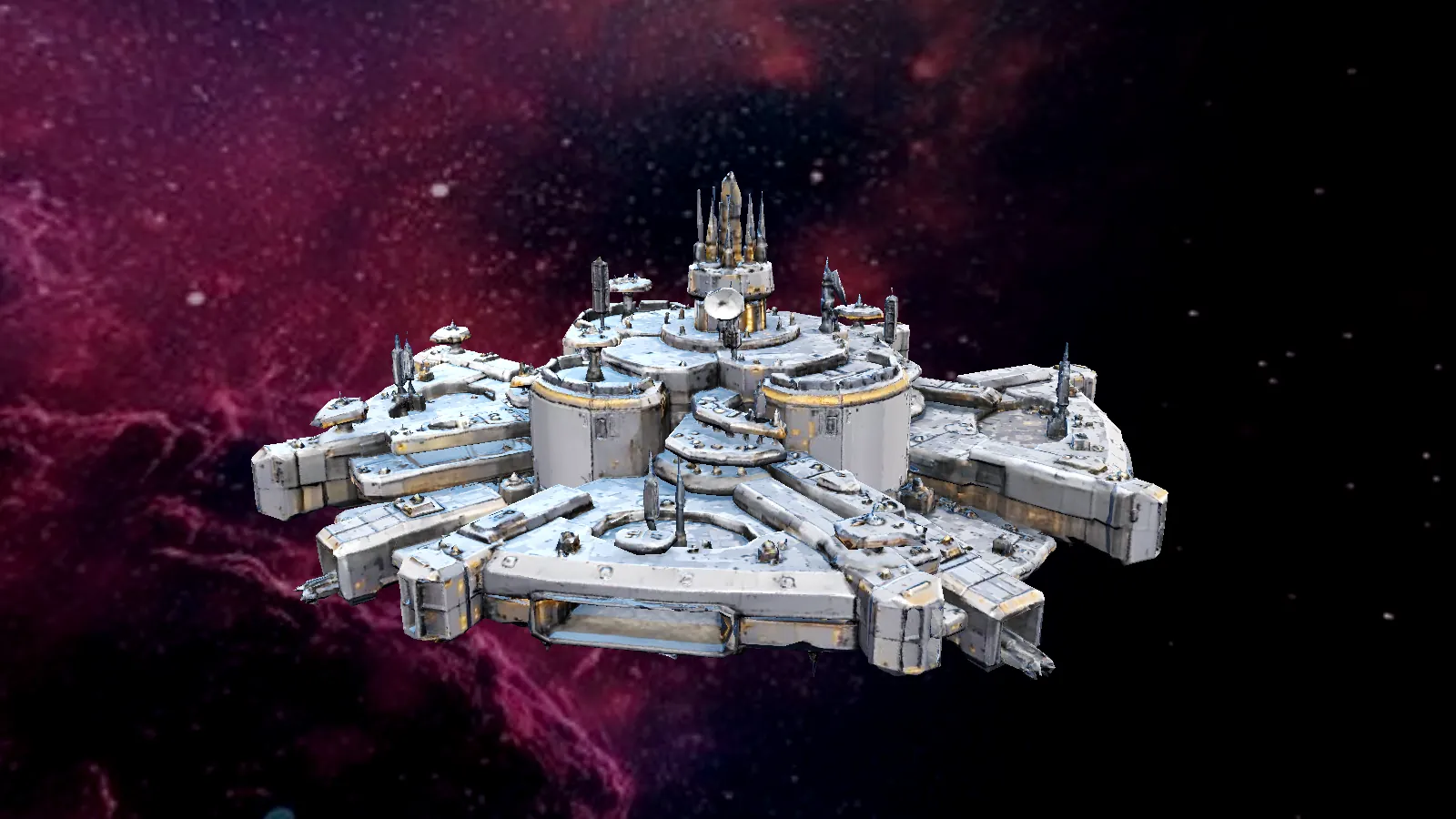
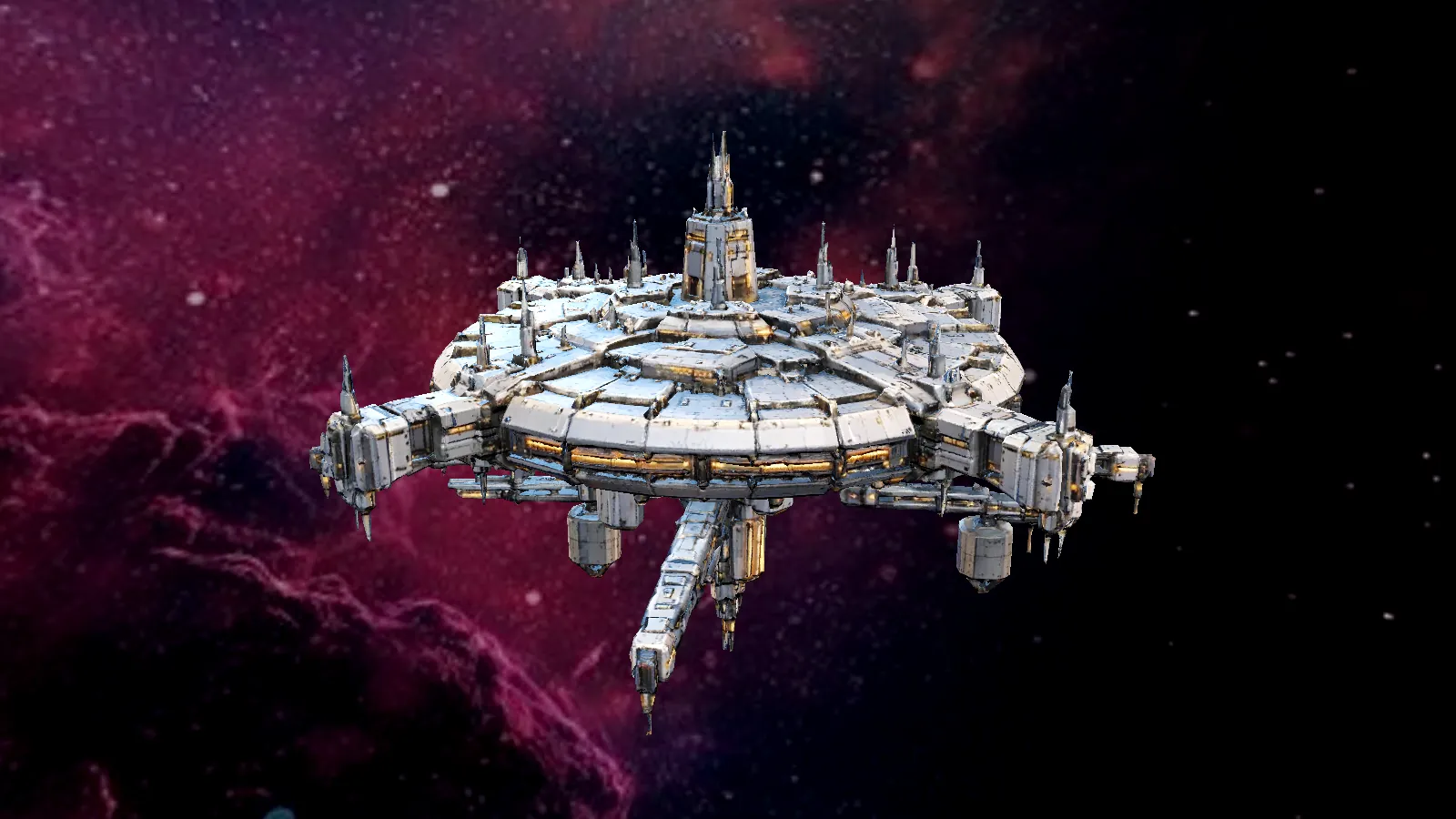
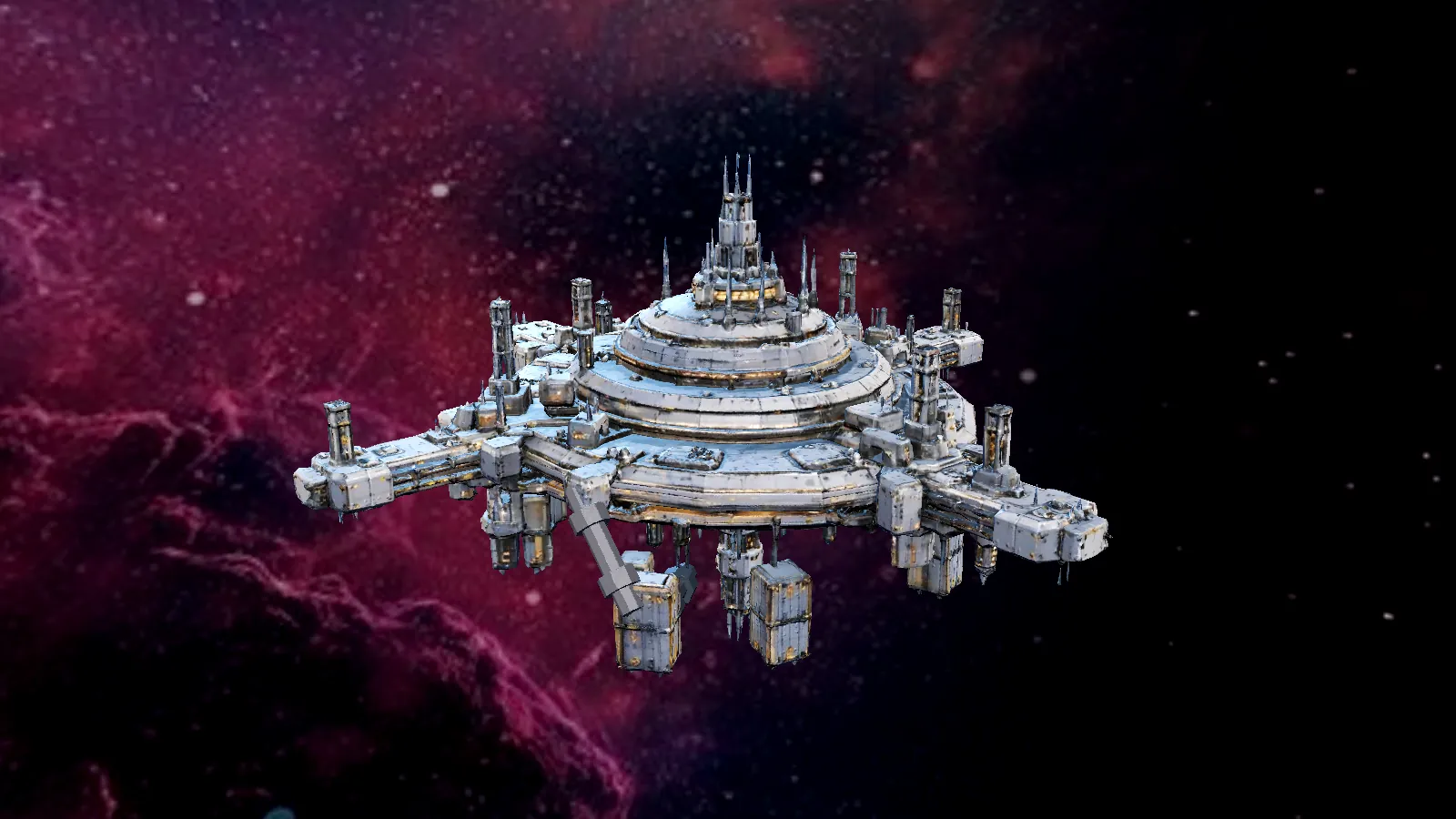
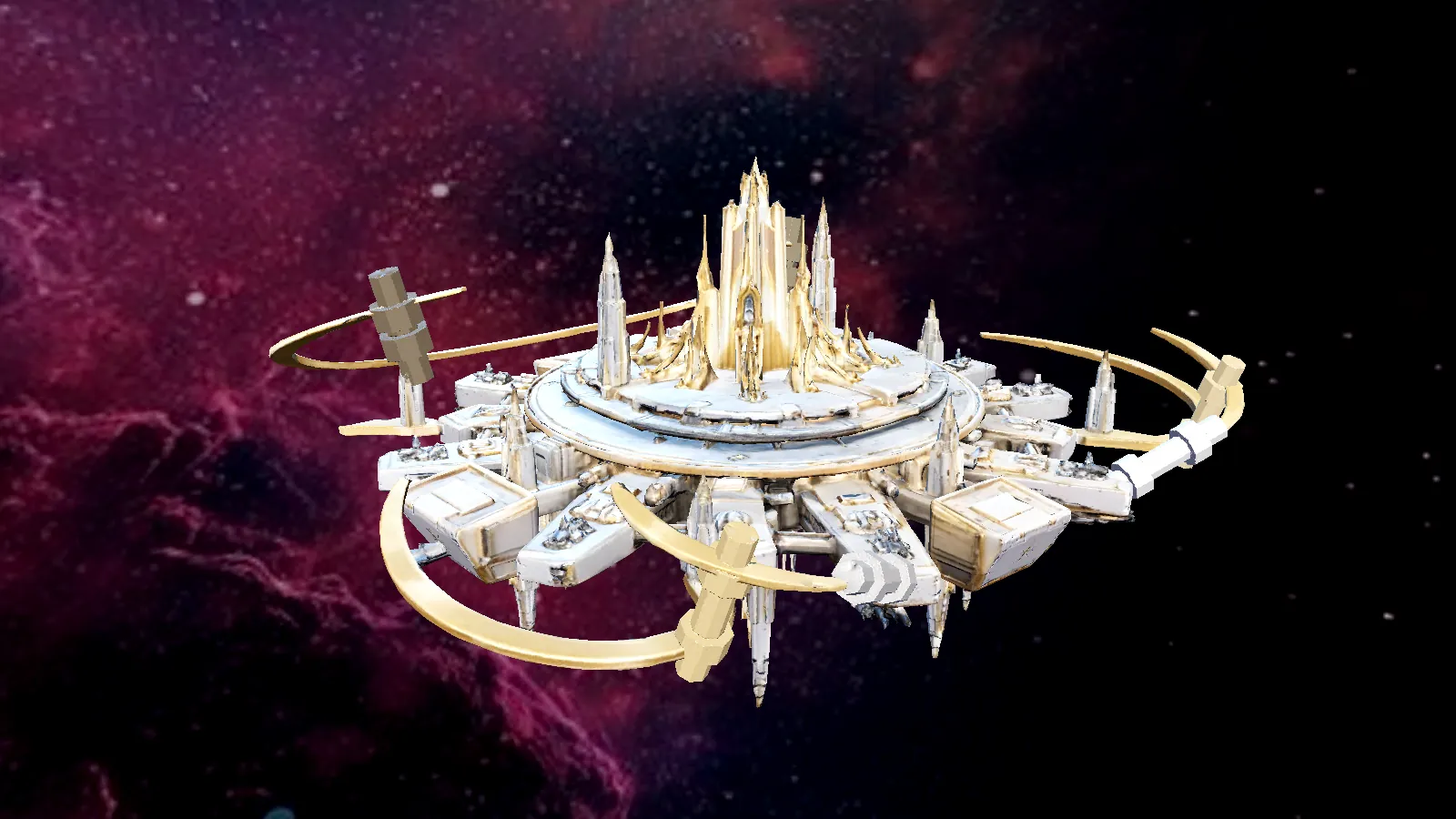
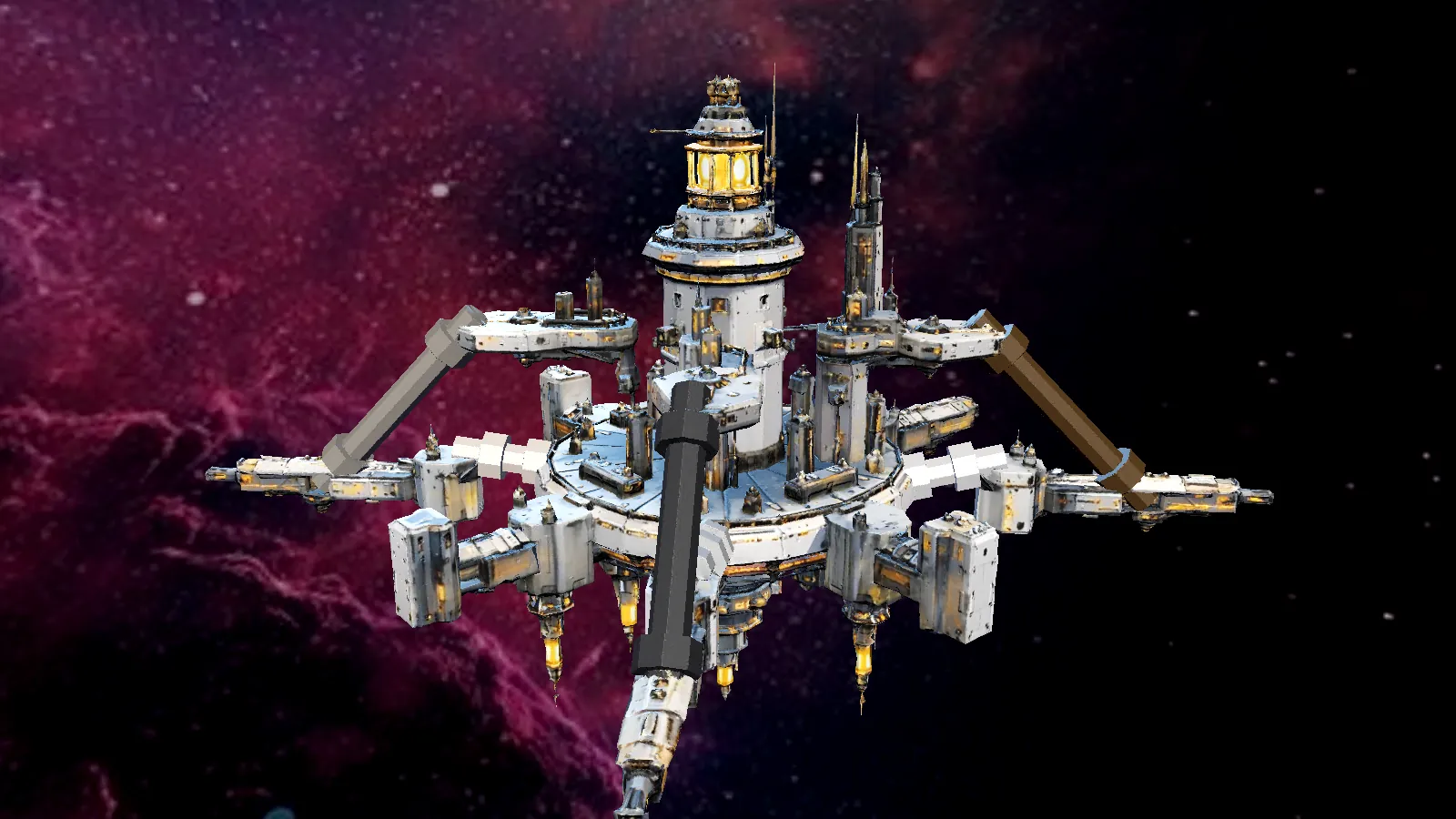
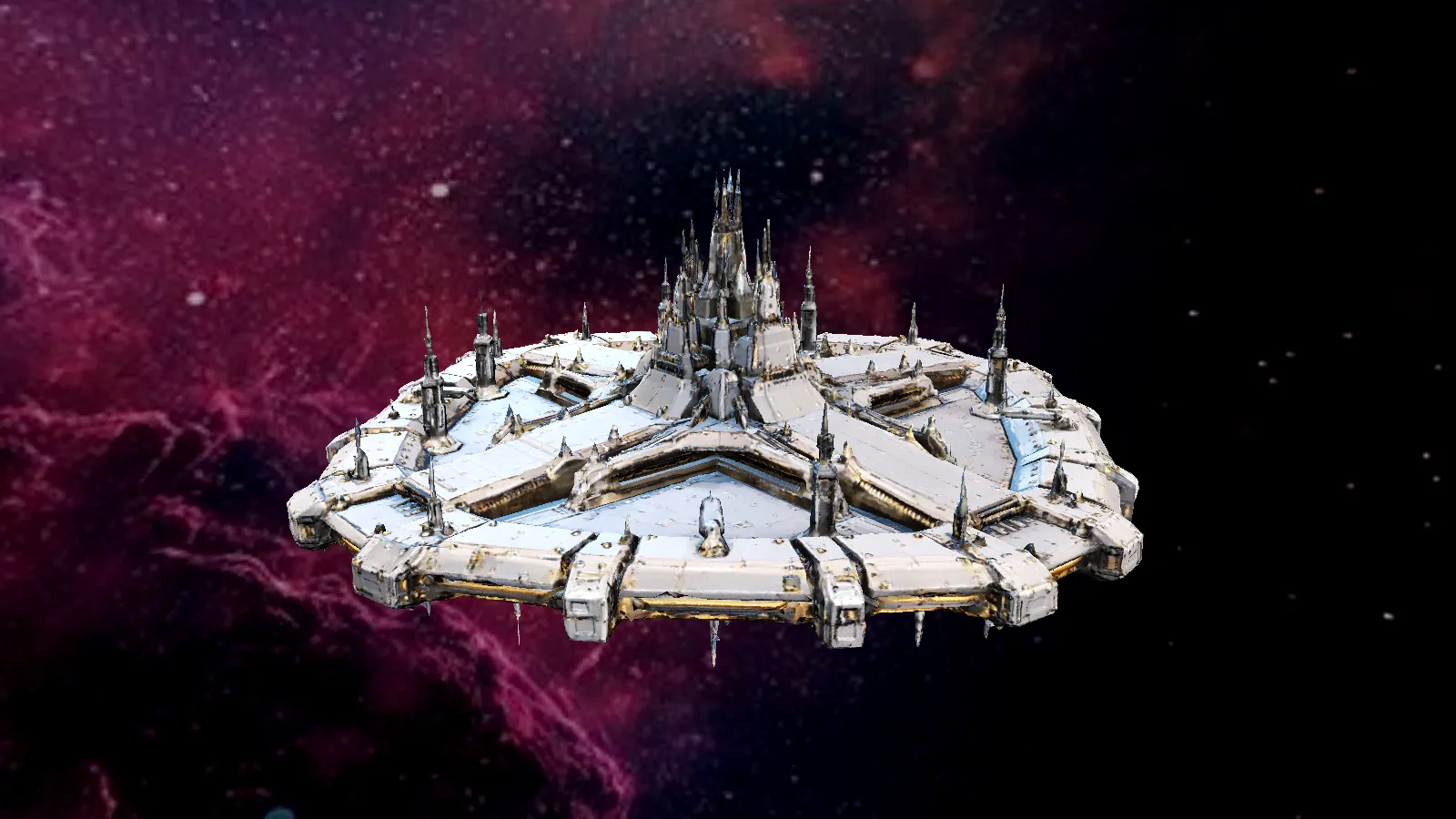
Rendered from the game's in-game 3D station models.
Inside Liberty Hub →



Real screenshots from the playable build: wing loadouts, mech form, the galaxy chart and the station dealers.
Swipe through the screenshots →
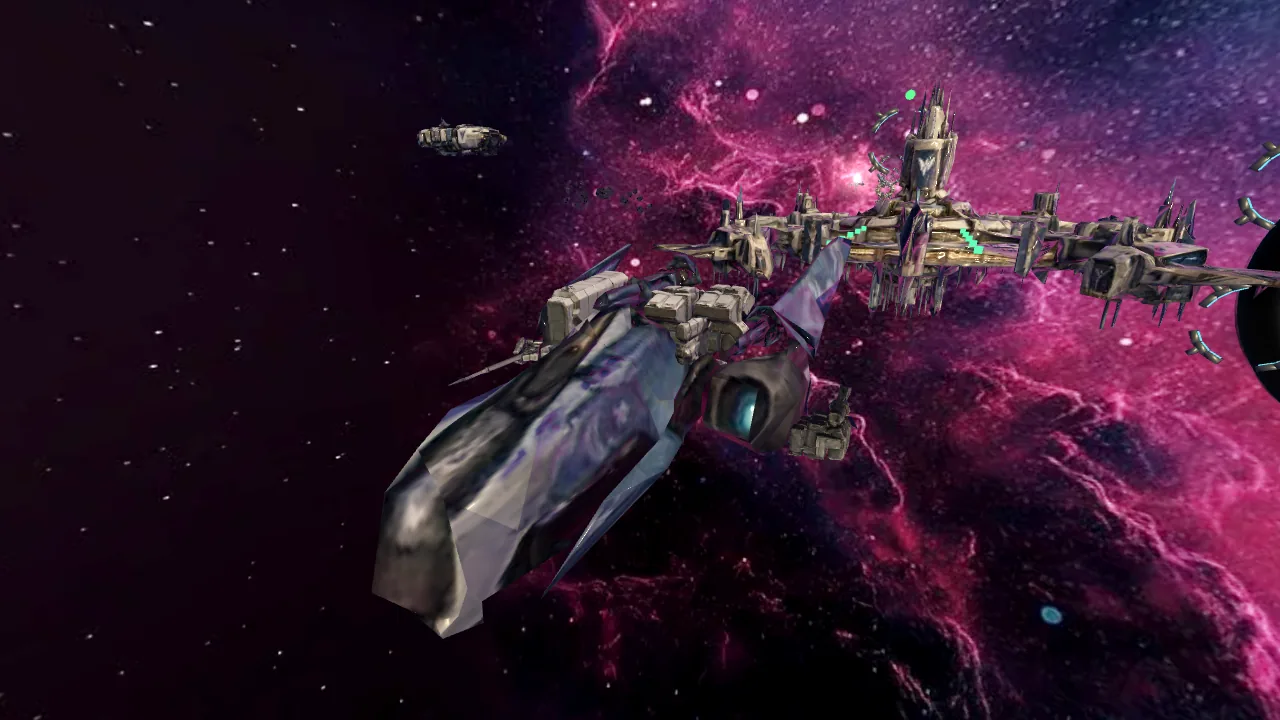
Play the Homelancer Digital test beta in your browser, free. Pick a pilot slot and your progress saves on your device. On a phone, turn it sideways.
▶ Start Game Now ↗Early test build. Features and visuals change often.